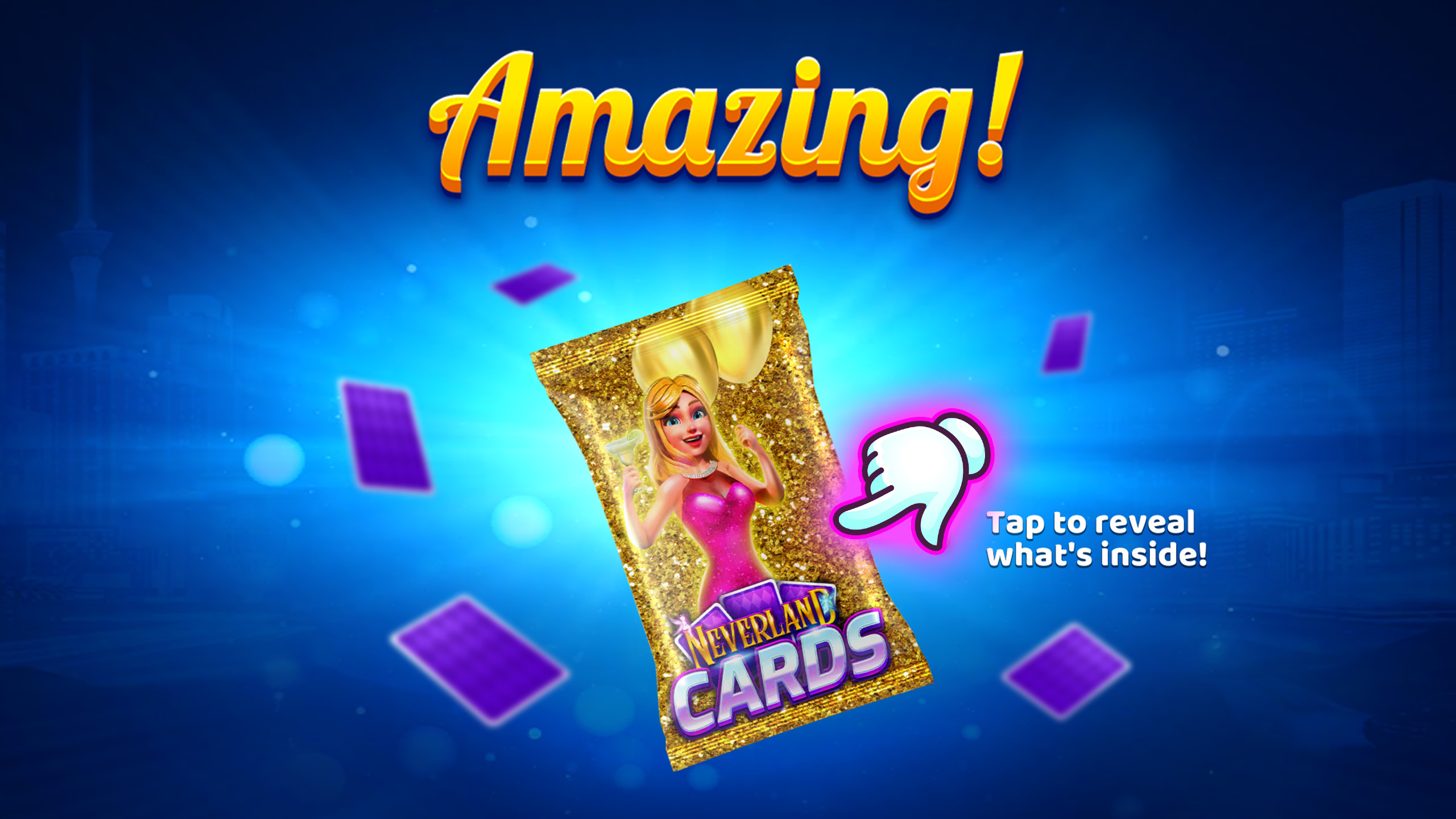
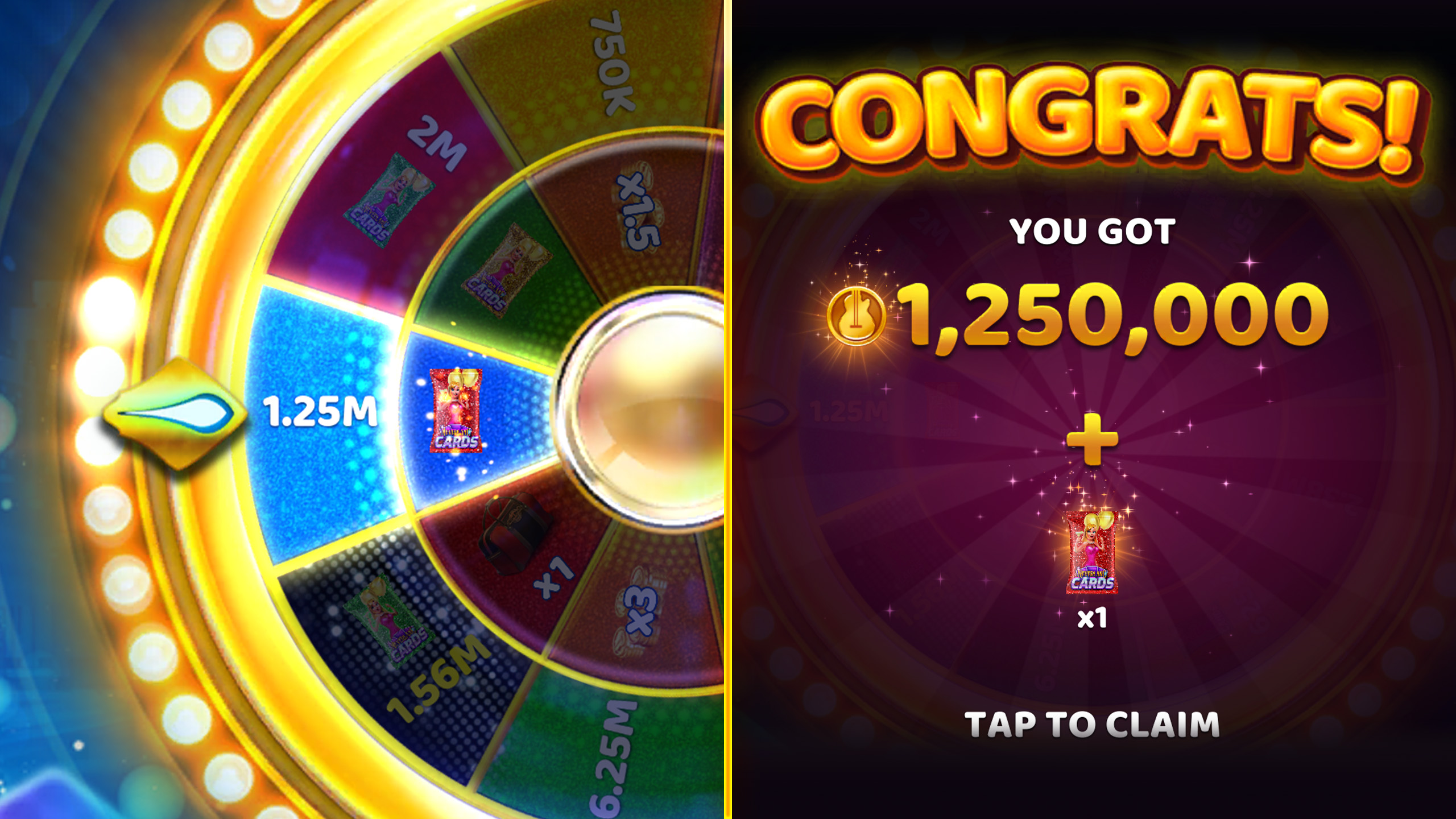
Claim Cards you’ve earned from gameplay and activities
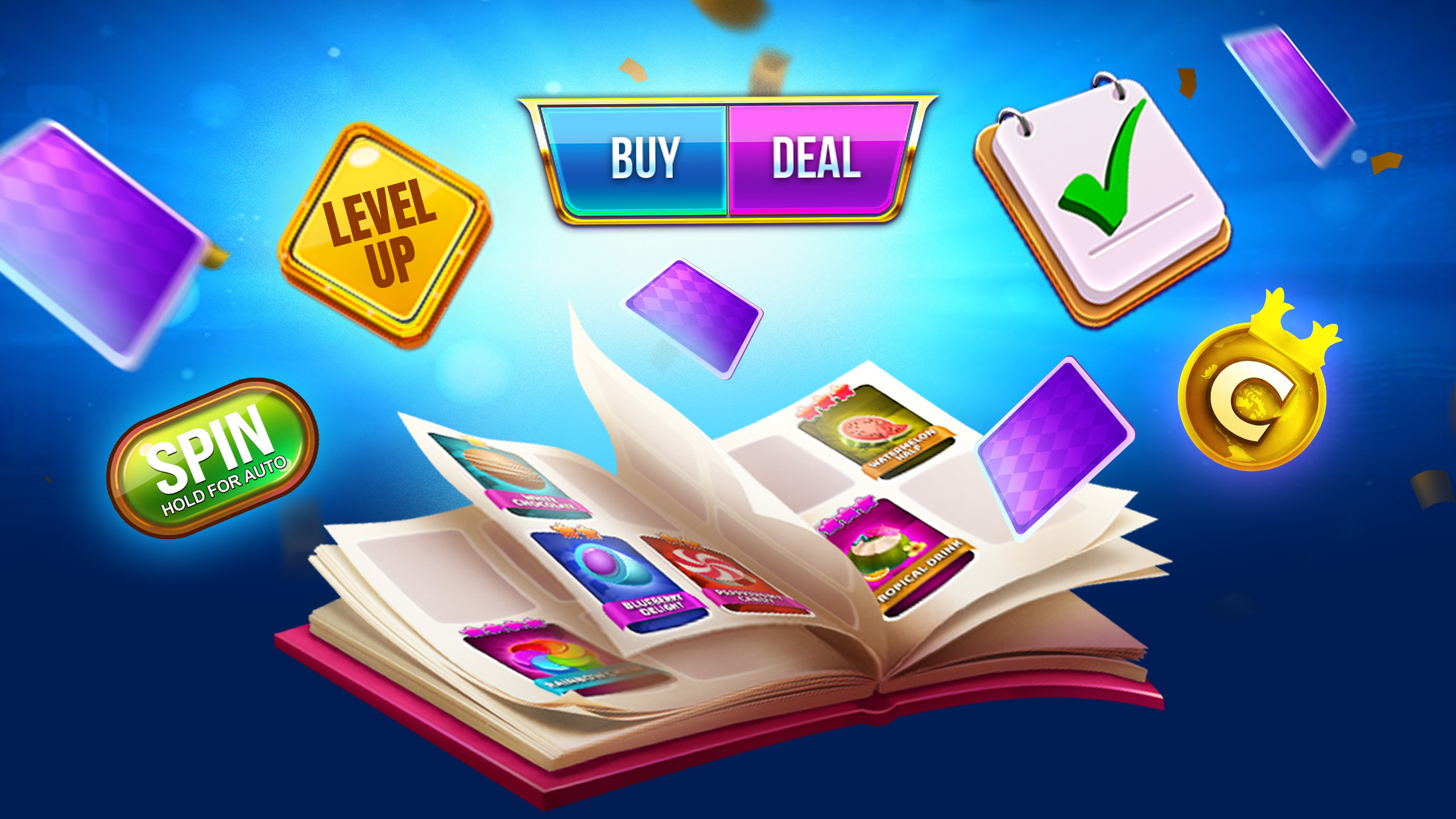
Finish Album Sets
Chase the missing Cards you need to complete a Set
Spin The Wheel
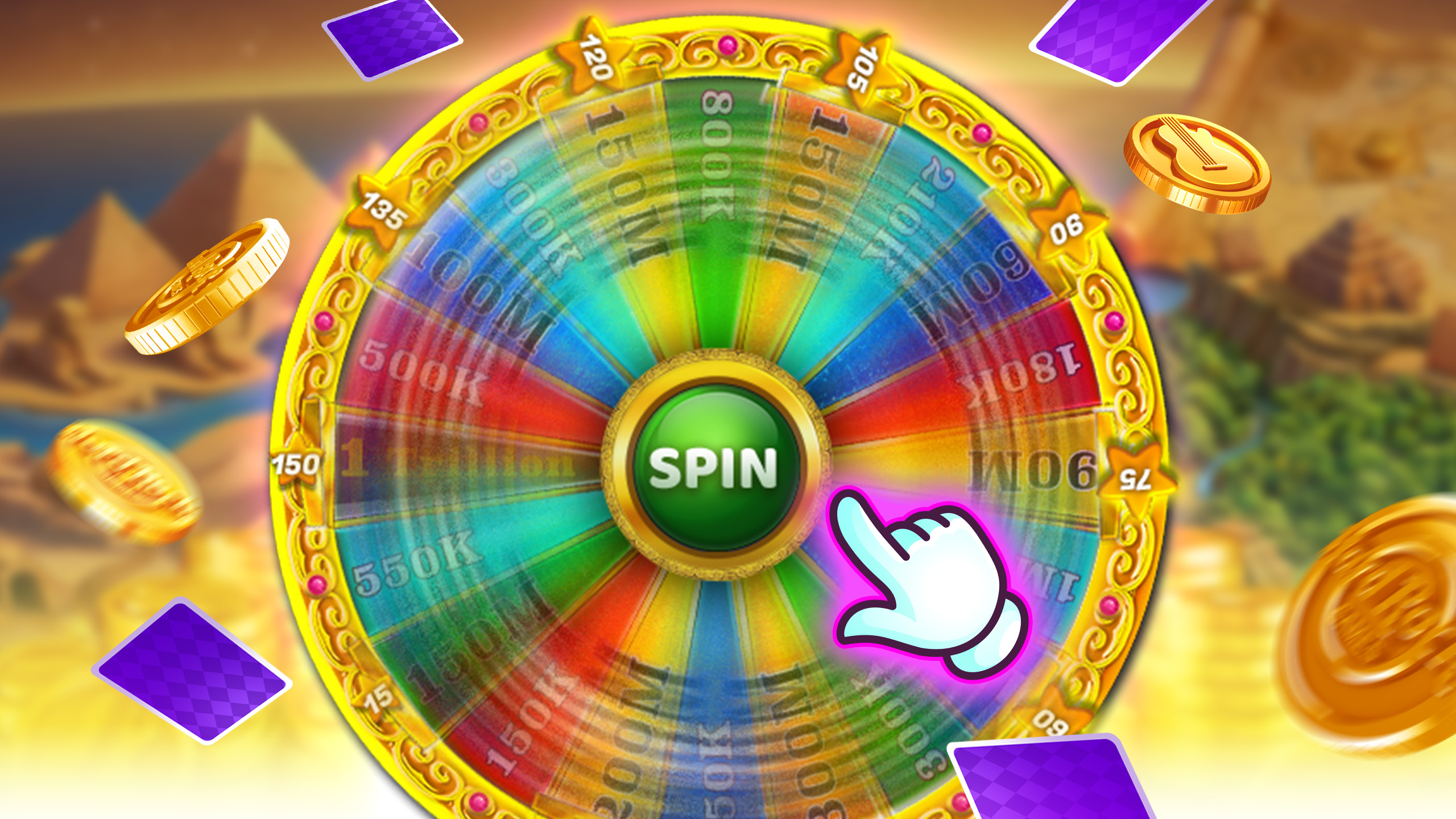
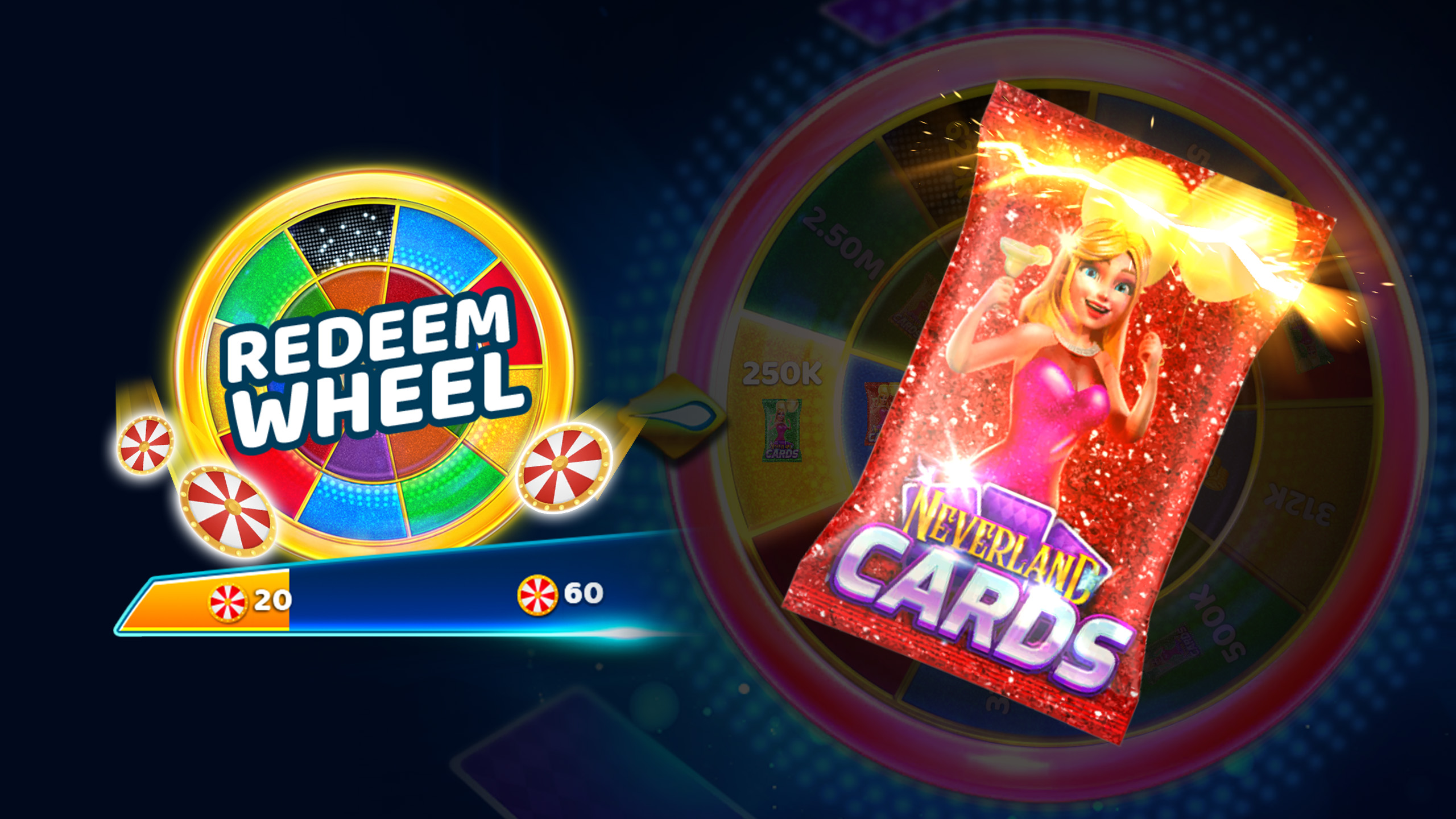
Turn duplicates into Redeem points and spin for prizes
Claim Prizes
Earn rewards for Set/Album progress and Wheel results
Collect, Complete, Claim Rewards
Hard Rock Collectibles brings the rush of the hunt to Hard Rock Jackpot Planet and Hard Rock Neverland Casino.
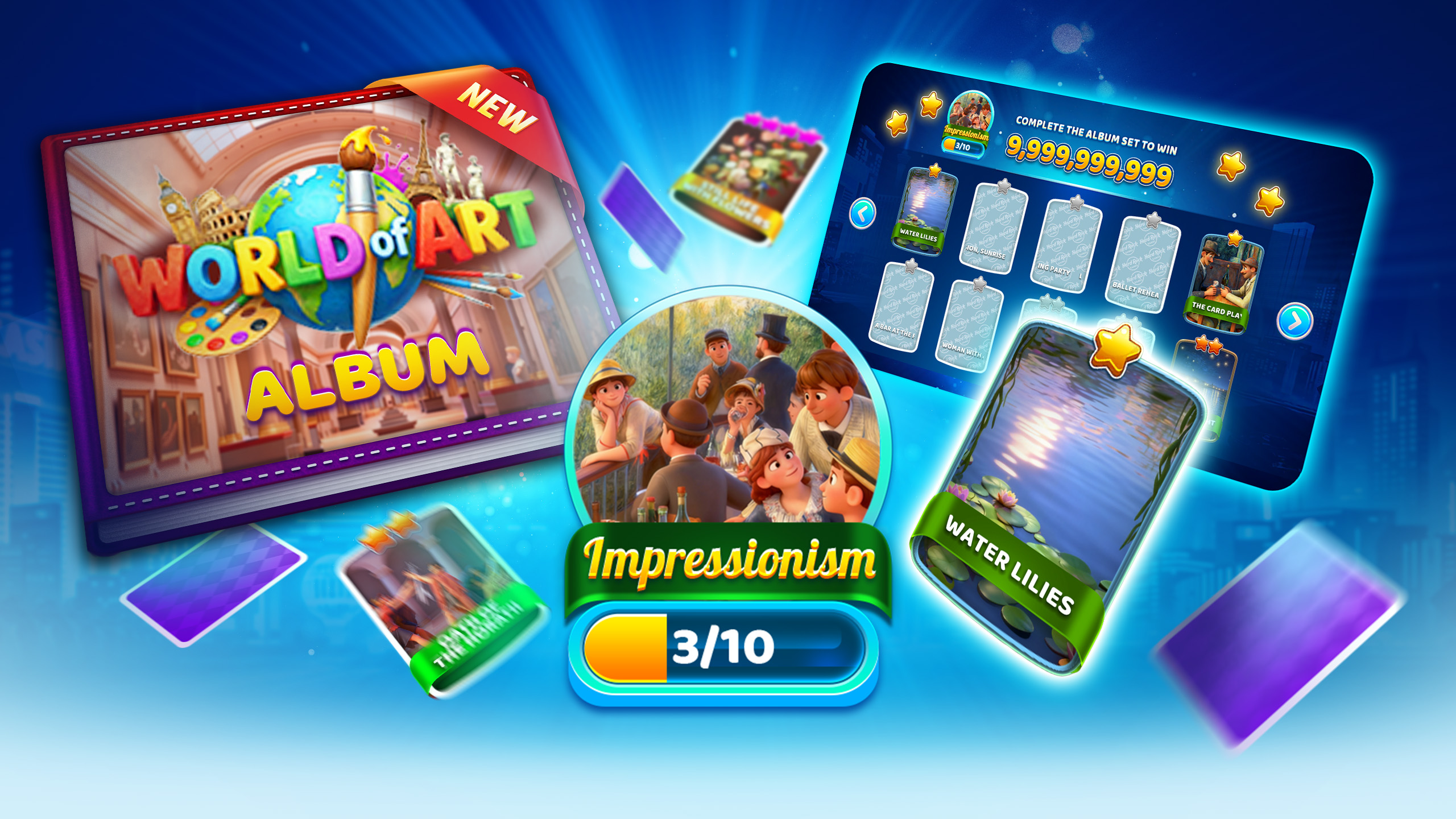
As you spin slots and hit daily activities, you’ll earn Cards that slide into themed Sets inside a limited-time Album. Chase the missing Cards, finish Sets, and watch your Album progress climb before the timer hits zero. Every completion keeps the momentum rolling with more ways to play, collect, and keep the streak alive.
Pull a duplicate? No sweat. Trade them for Redeem points and, when the Redeem Wheel is live, take a spin for a shot at in-game prizes like Free Coins, WDollars, WCASES, and Card Packs.
If a Set is marked New, pop it open to see your latest Cards. Open any Set anytime to see what you’ve got and what you’re still chasing. Prizes vary and are for in-game use only.
What Collecting Can Earn
Free Coins
WDollars
WCASES
Card Packs
Album Set Prizes
Album Grand Prize
How It Works
Open Collectibles to check your Album, Sets, and progress
Play slots and activities to earn Card drops as you go
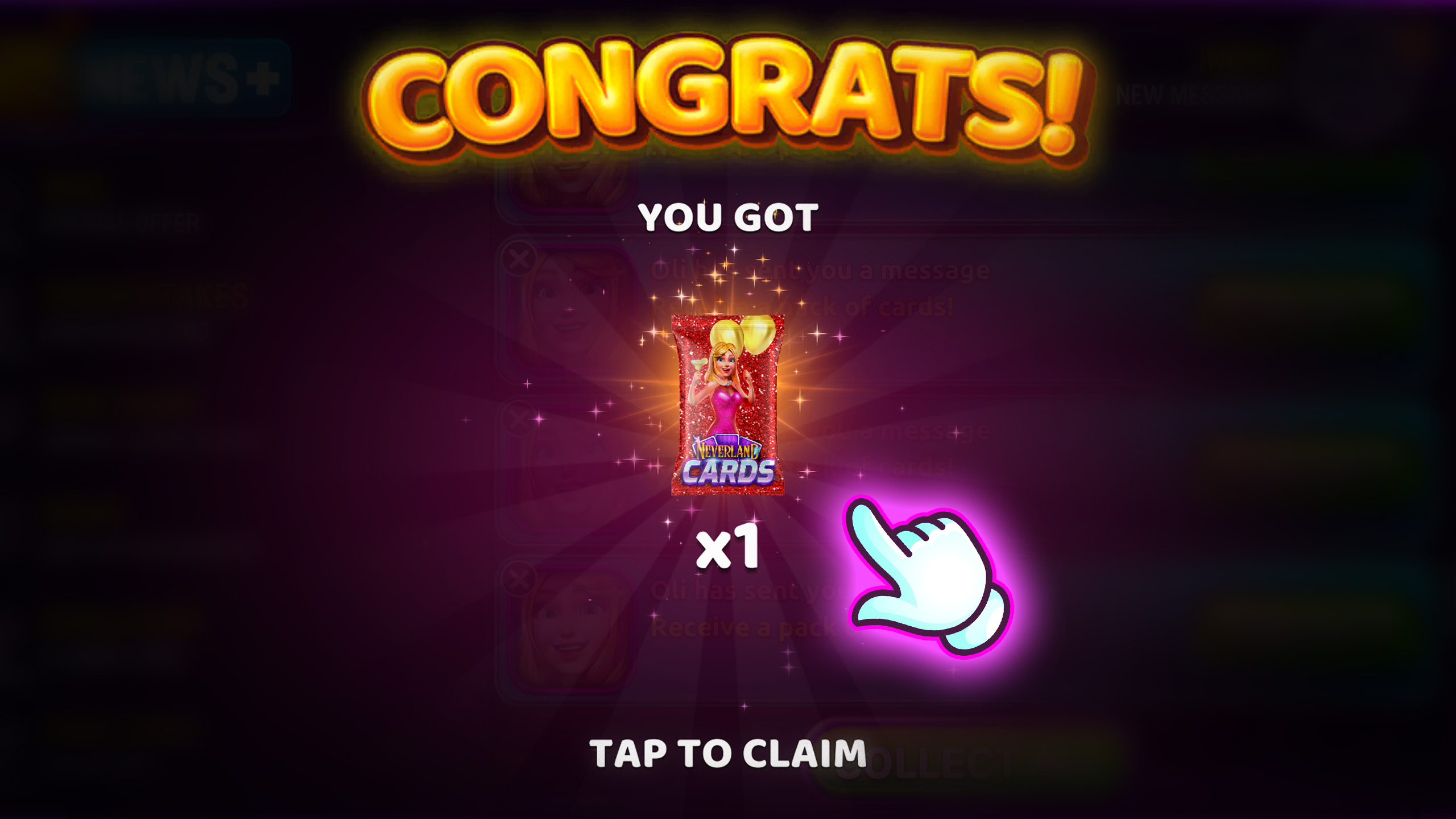
Tap Collect when Cards are ready to reveal and add them
Fill missing spots to complete Sets and move your Album forward
Trade duplicates for Redeem points to build toward a spin
Spin the Redeem Wheel when it’s available for a chance at prizes
Claim in-game prizes like Free Coins, WDollars, WCASES, and Card Packs
How to Play
Start a Collection
Open Collectibles, jump into the current Album, and get your first Cards in play. In a minute, you’ll know what you’re collecting, and where to go next.
Step 1
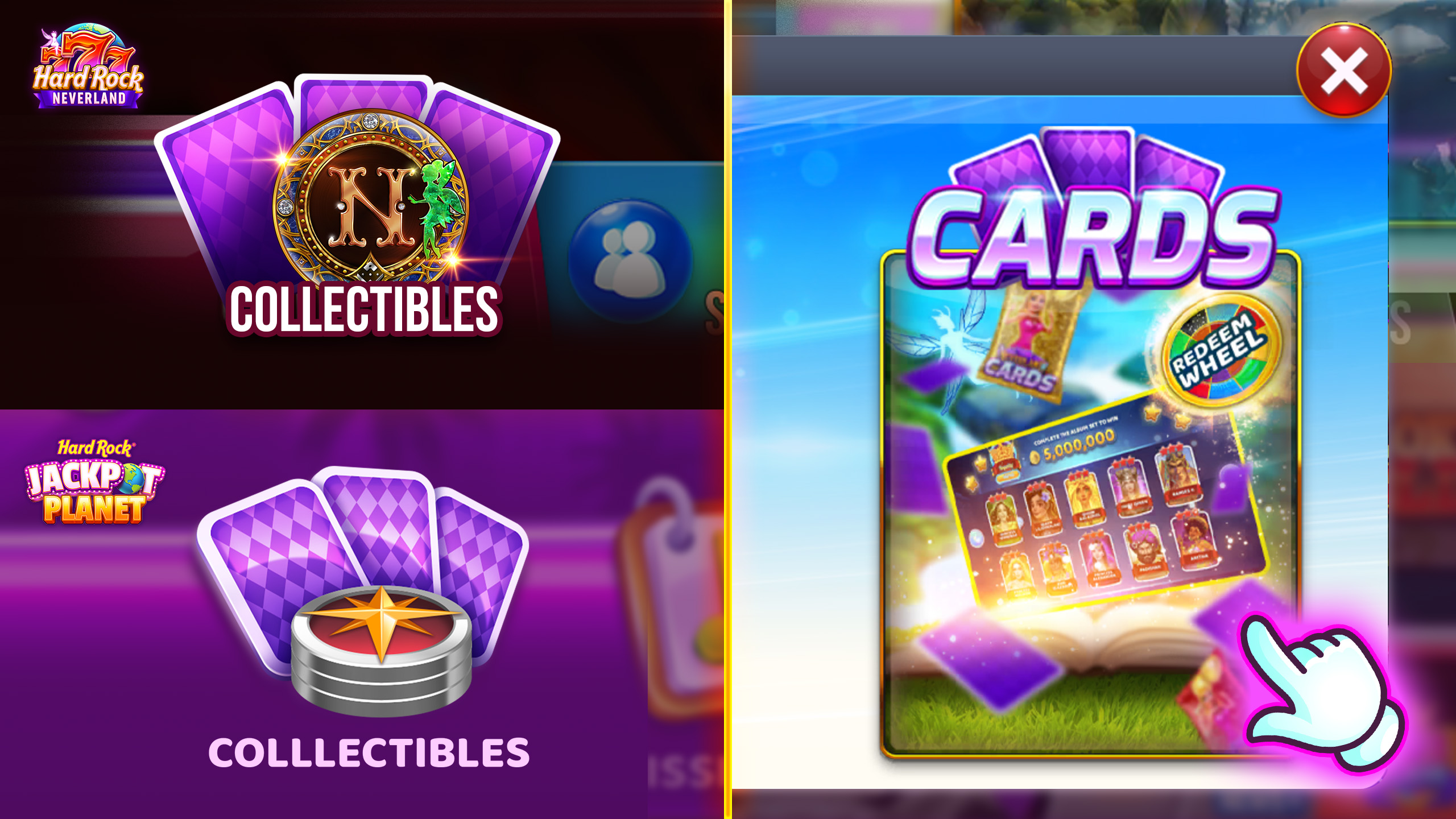
Open Collectibles
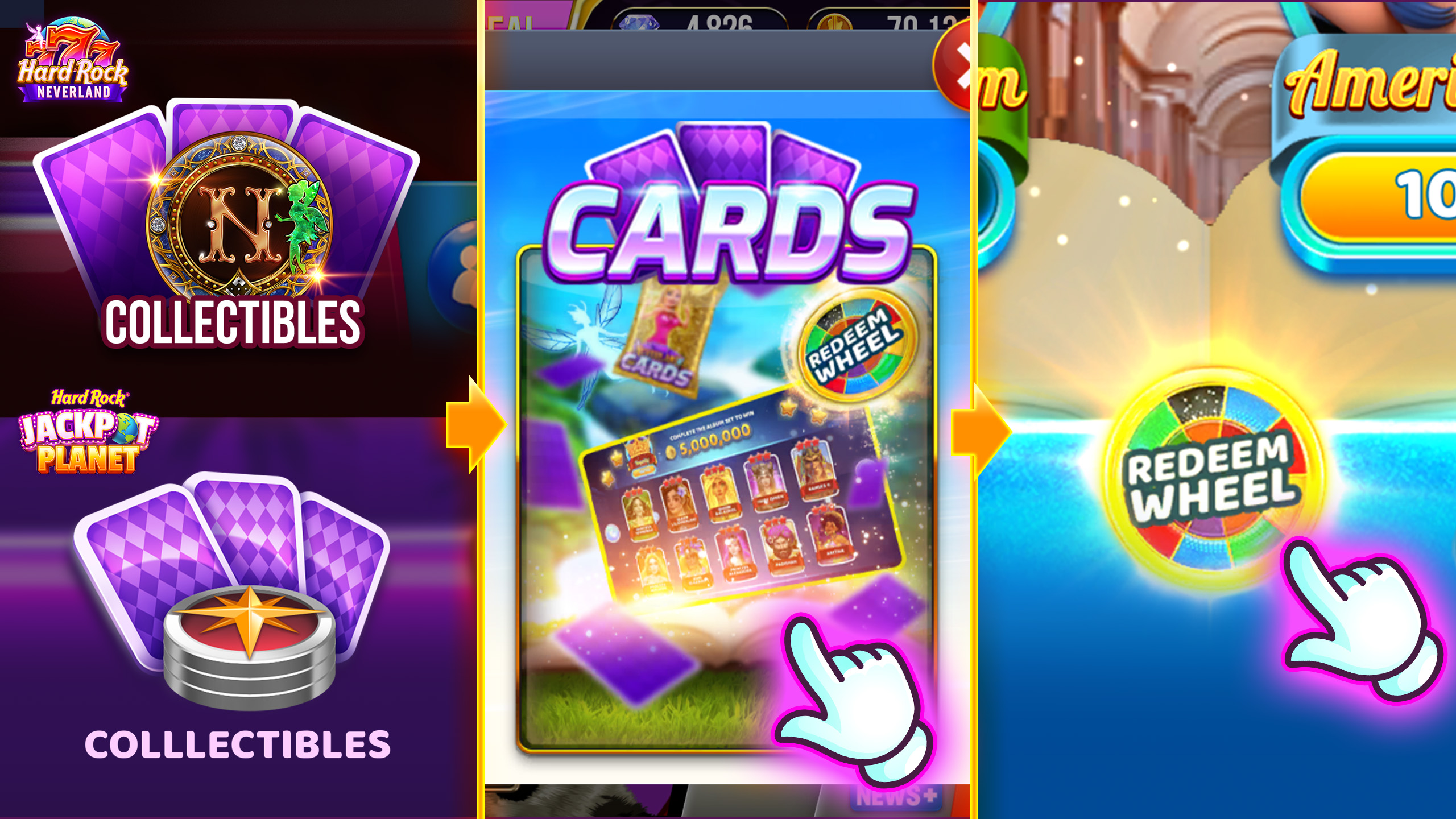
From the game menu, tap on the Collectibles feature to enter Cards and your Albums.
Step 2
Enter the current Album
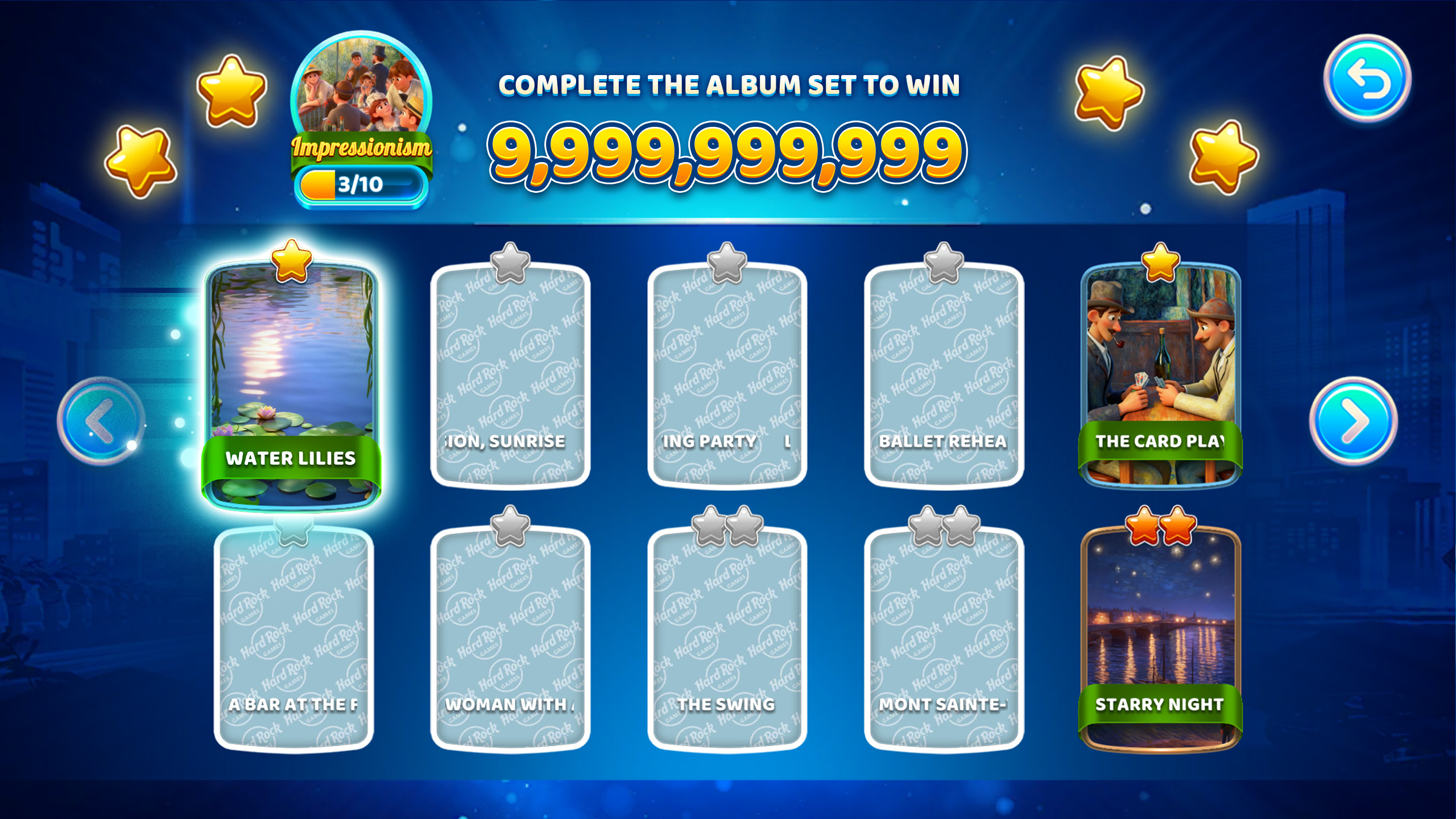
You’ll land in the current Album with themed Sets. This is your home base for tracking progress.
Step 3
Check what’s ready
Look for anything marked Ready to Collect (or a Collect prompt). That means Cards are waiting for you.
Step 4
Collect your Cards
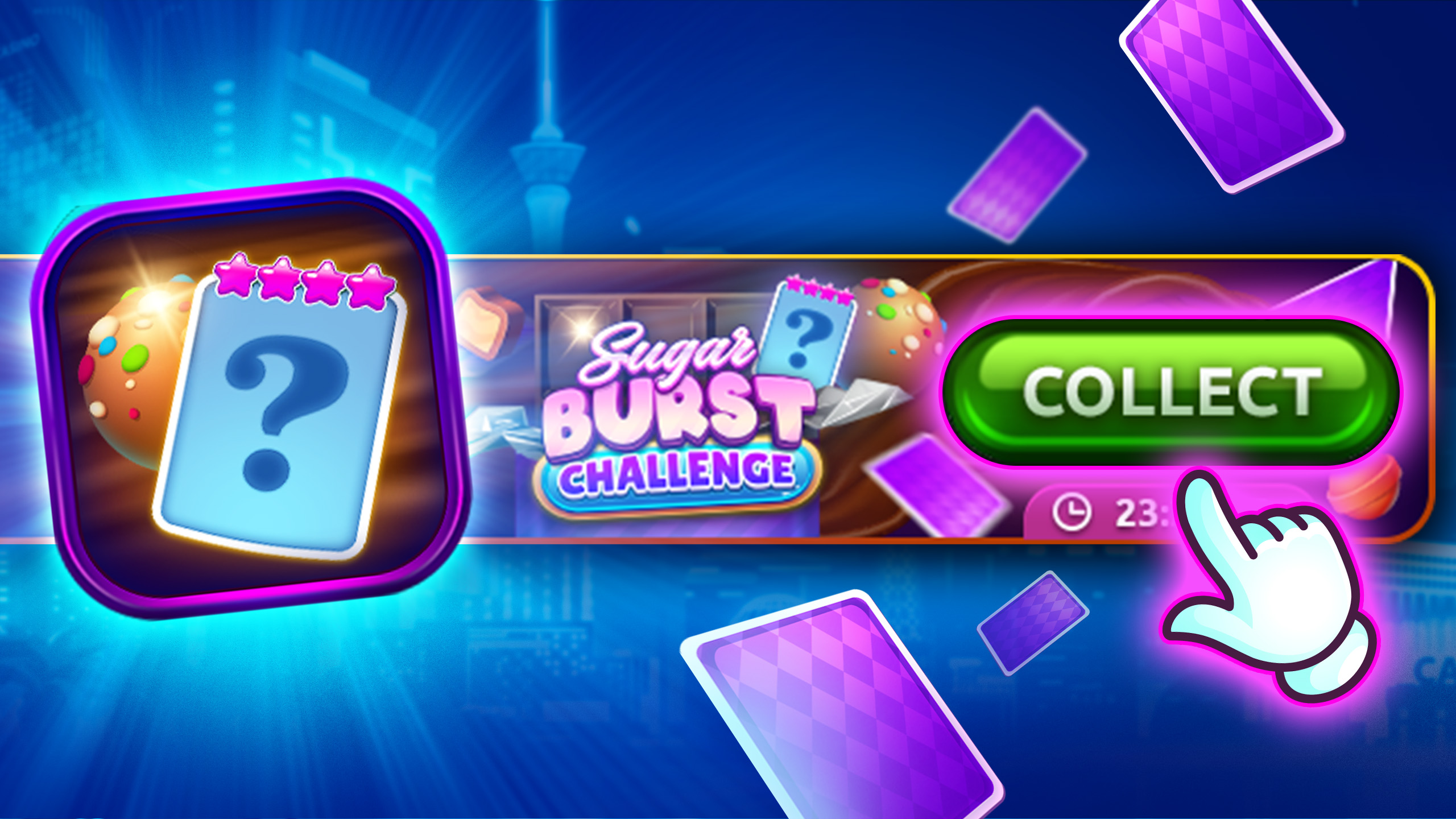
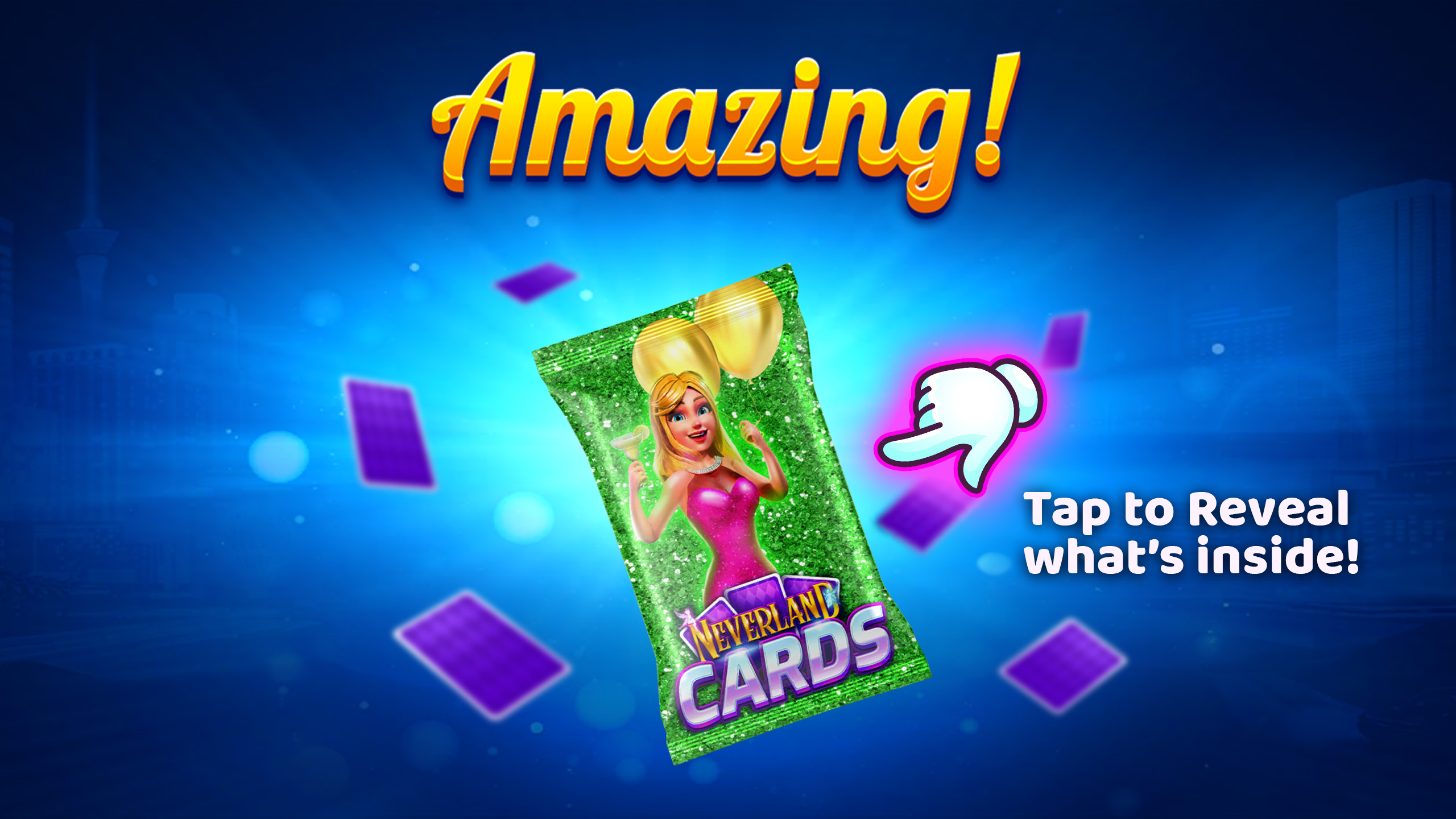
Tap Collect to reveal your new Cards and add them into the right Sets automatically.
Step 5
Go For Completion
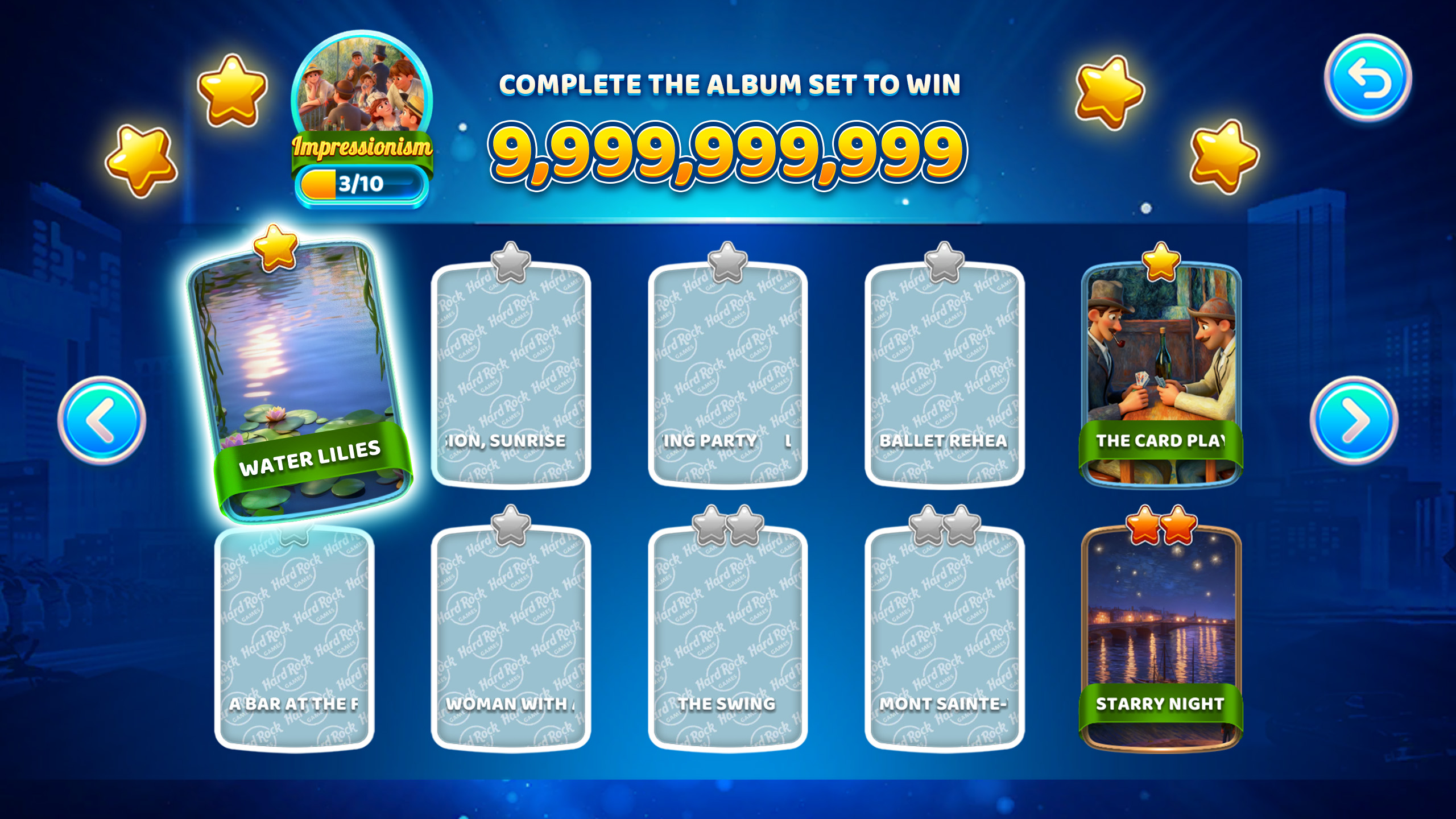
Open a Set to see what you have and what you’re missing (empty/grey slots). Now you know what to target as you keep spinning.
Step 6
Watch the timer
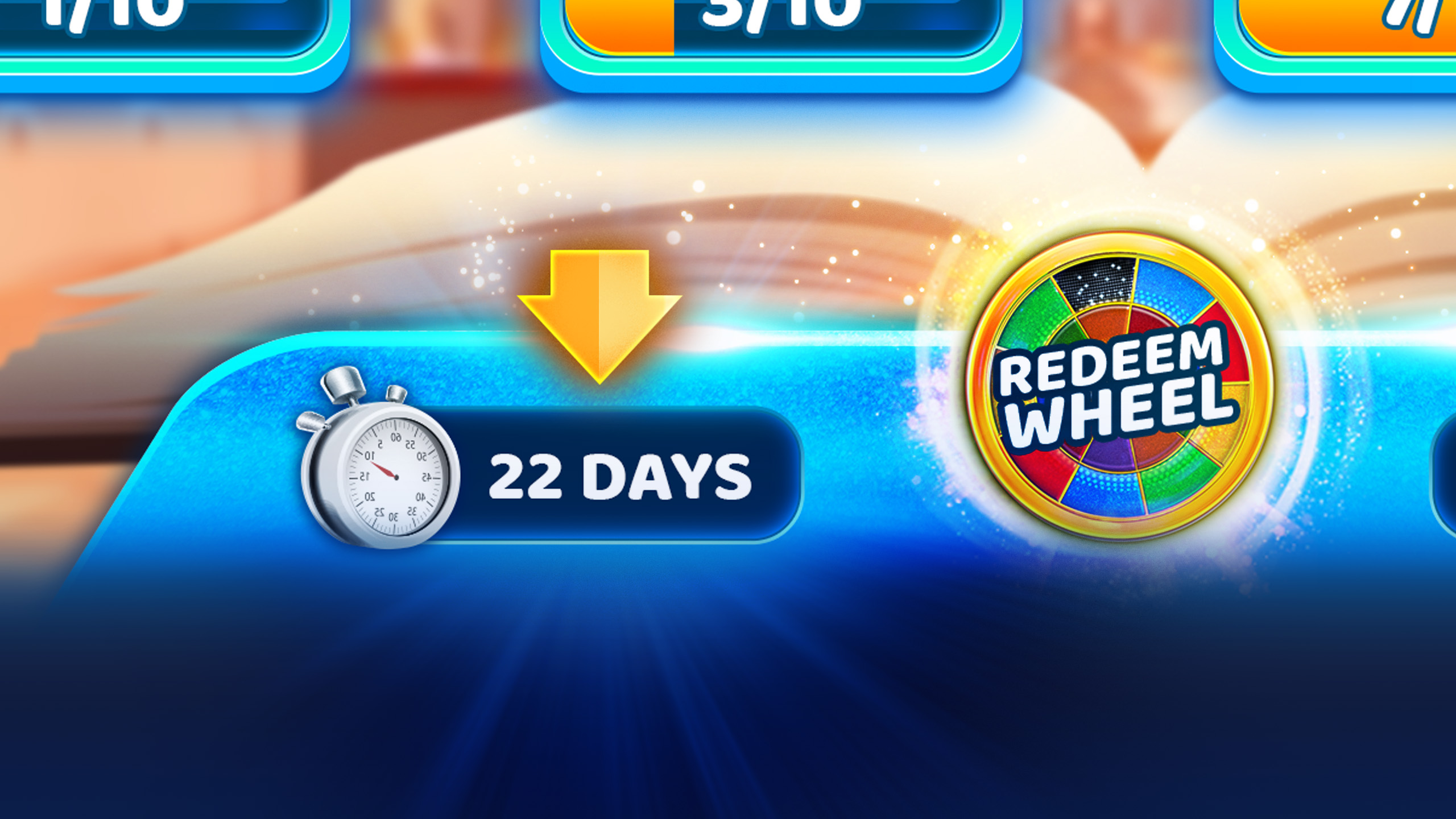
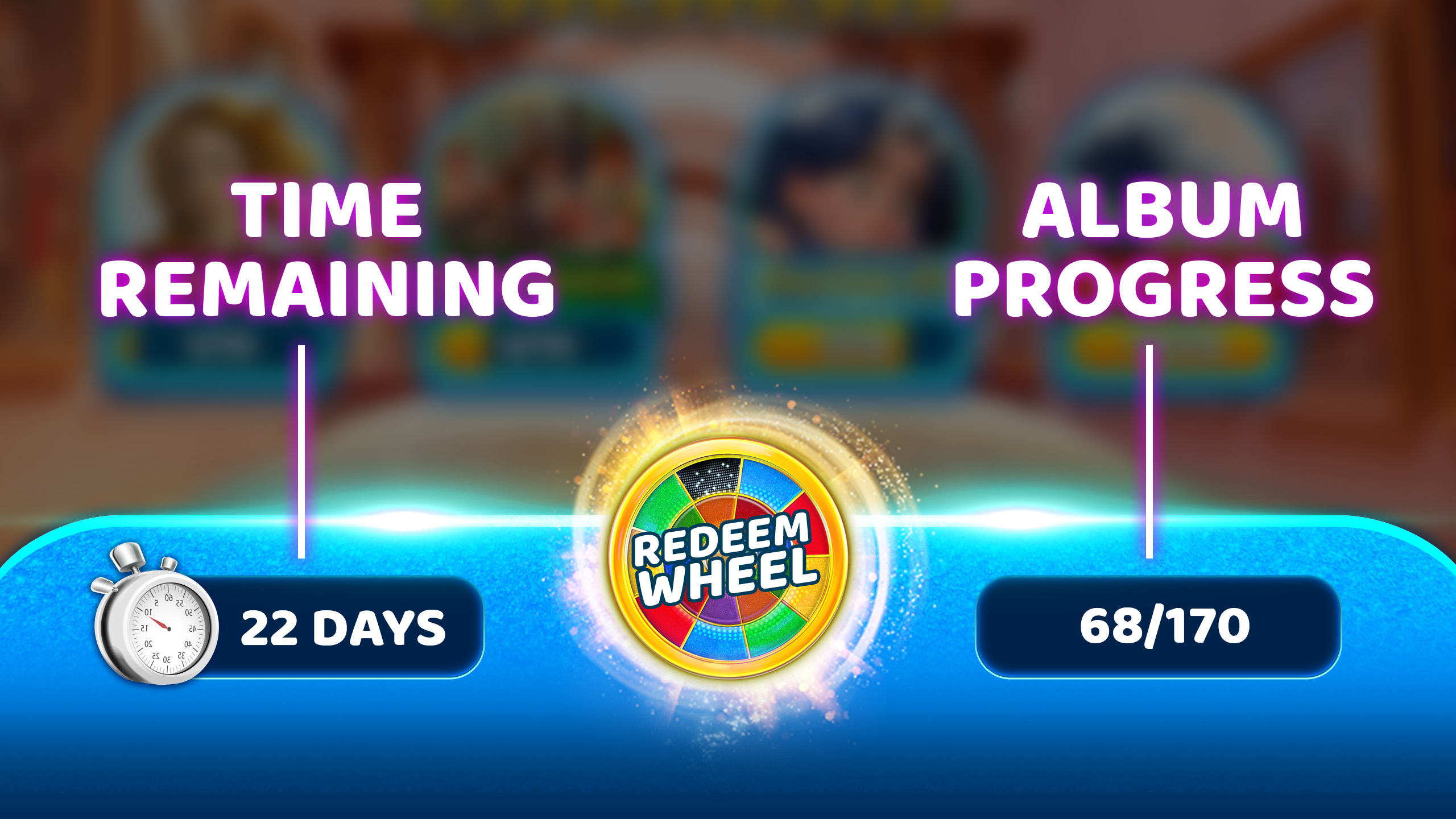
Albums run for a limited time. Check the time remaining so you can keep collecting before it ends.
Collect New Cards
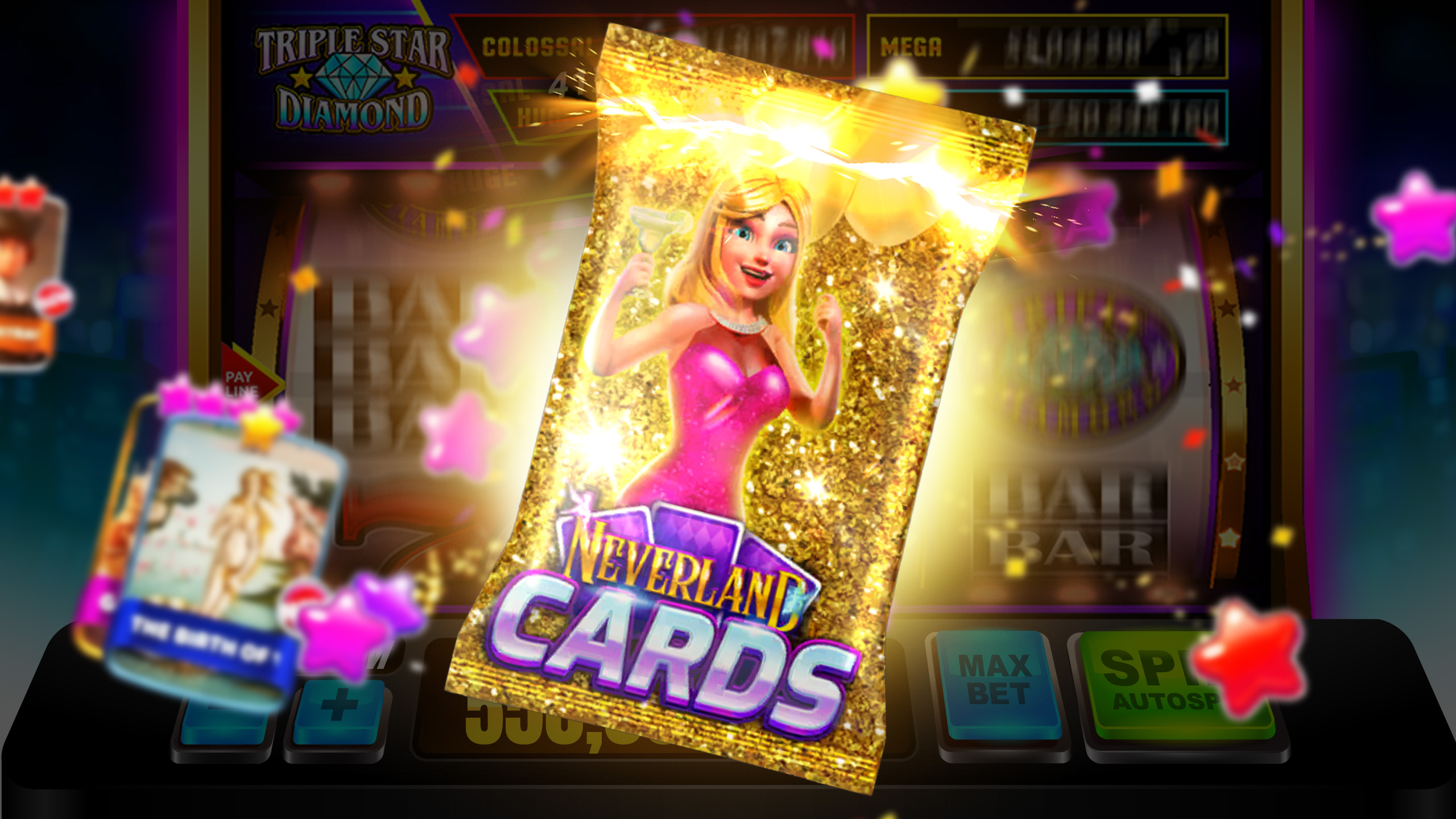
Cards drop as you play slots and complete in game activities. This walkthrough shows the main ways to earn them and how to claim them when they are ready.
Step 1
Play slots to earn Cards
Keep spinning your favorite social casinoslots. As you play, you will earn chances at Cards over time.
Step 2
Finish Daily Blitz Missions
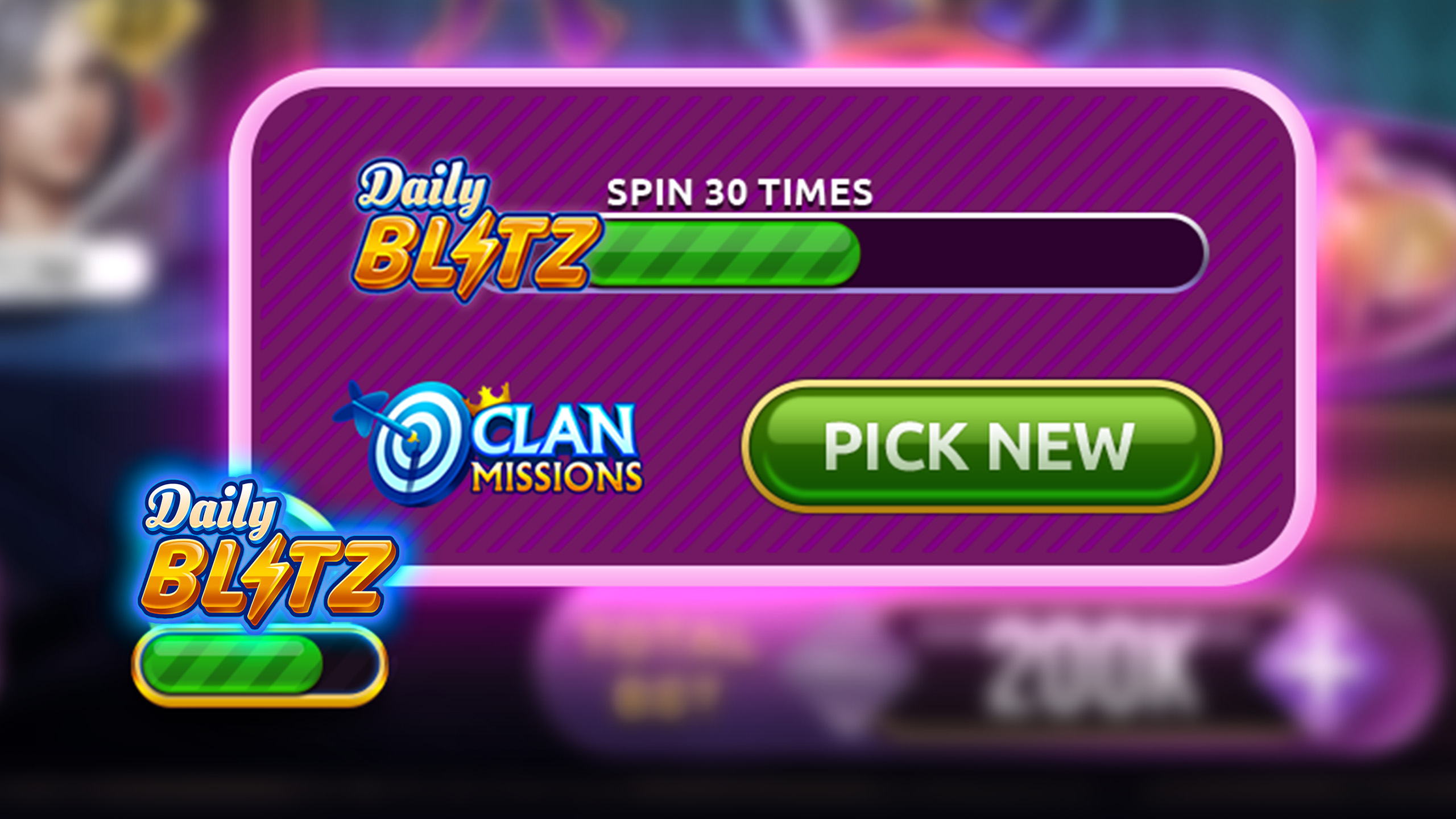
Complete the Daily Blitz Missions to earn collectible Cards as part of your mission rewards.
Step 3
Spin Journey Milestones
Progress in Journey and spin Milestone rewards for chances to recieve Cards and packs.
Step 4
Earn Clan progress
Join a Clan and contribute to Clan activity. Clan progress can also lead to more Card earning opportunities.
Step 5
Ready to Collect
When Cards are earned, you may see a Ready to Collect prompt or indicator on the Album screen.
Step 6
Tap Collect to claim
Tap Collect to reveal the Cards you earned and add them into your Sets automatically.
Finish a Set
Sets fill up as you collect unique Cards. Here is how to check what you still need, chase the last few Cards, and claim your Set completion reward.
Step 1
Open your Album
Tap Collectibles in the game menu, then open your current Album to see all available Sets.
Step 2
Pick a Set to finish
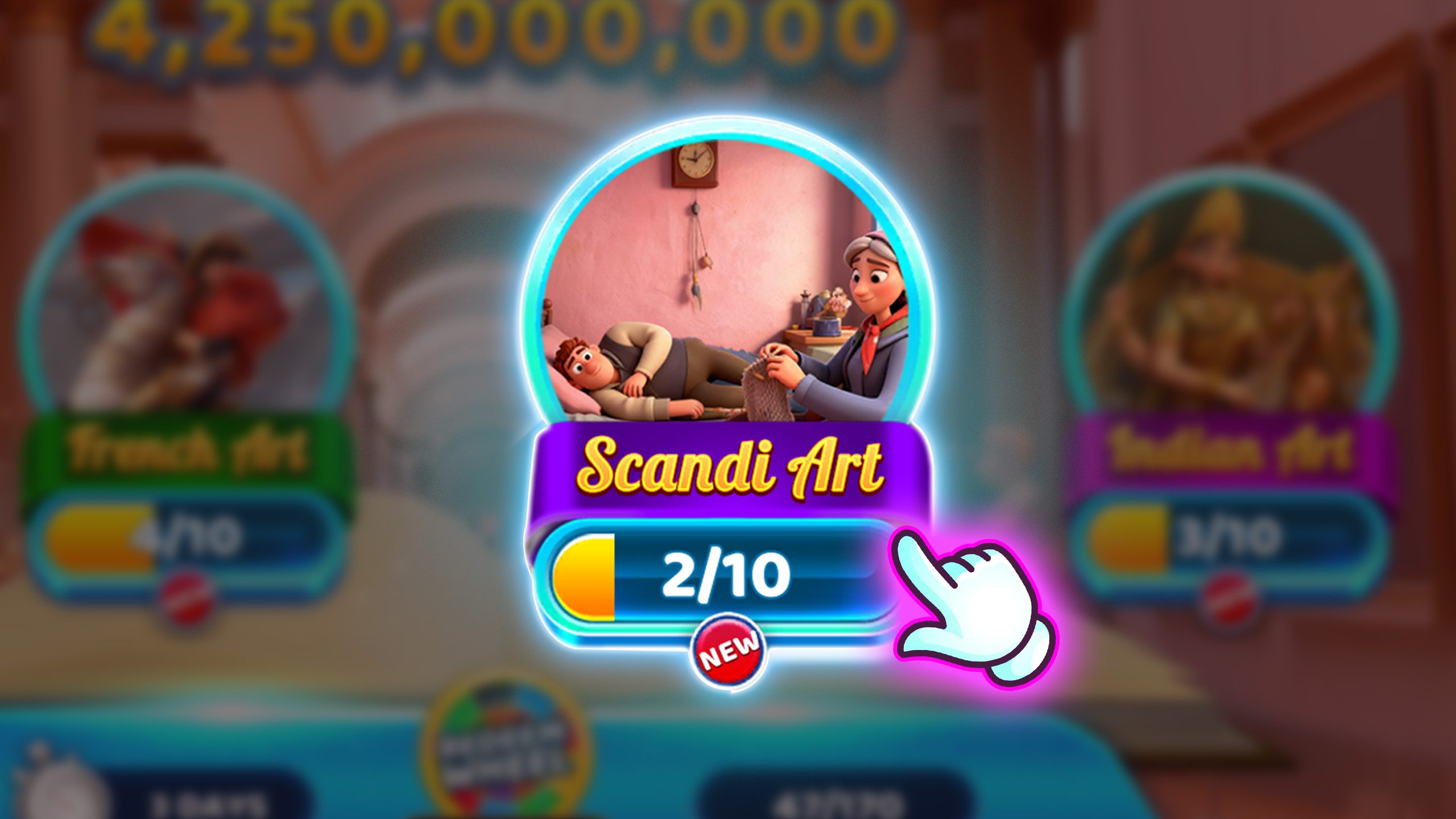
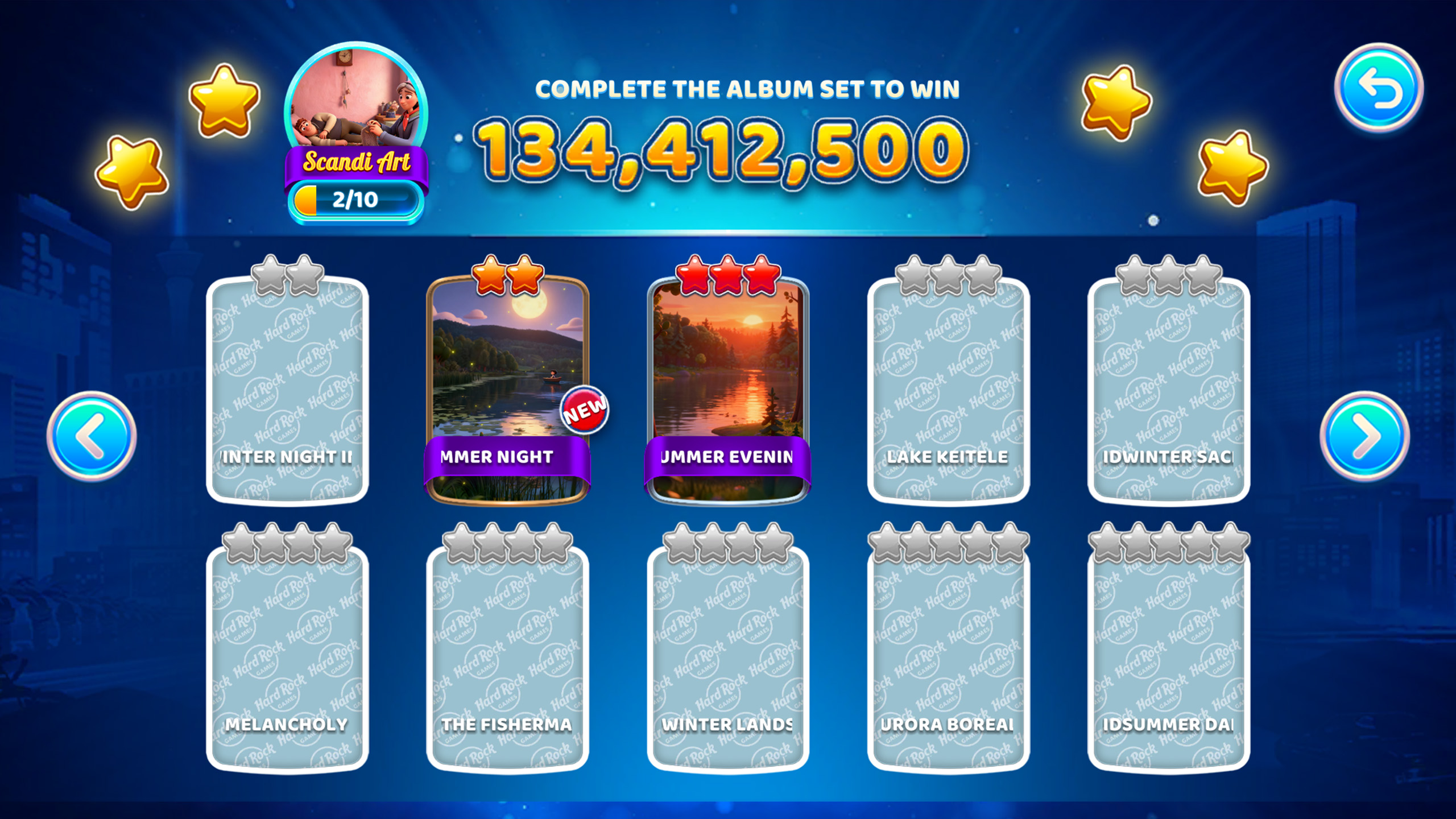
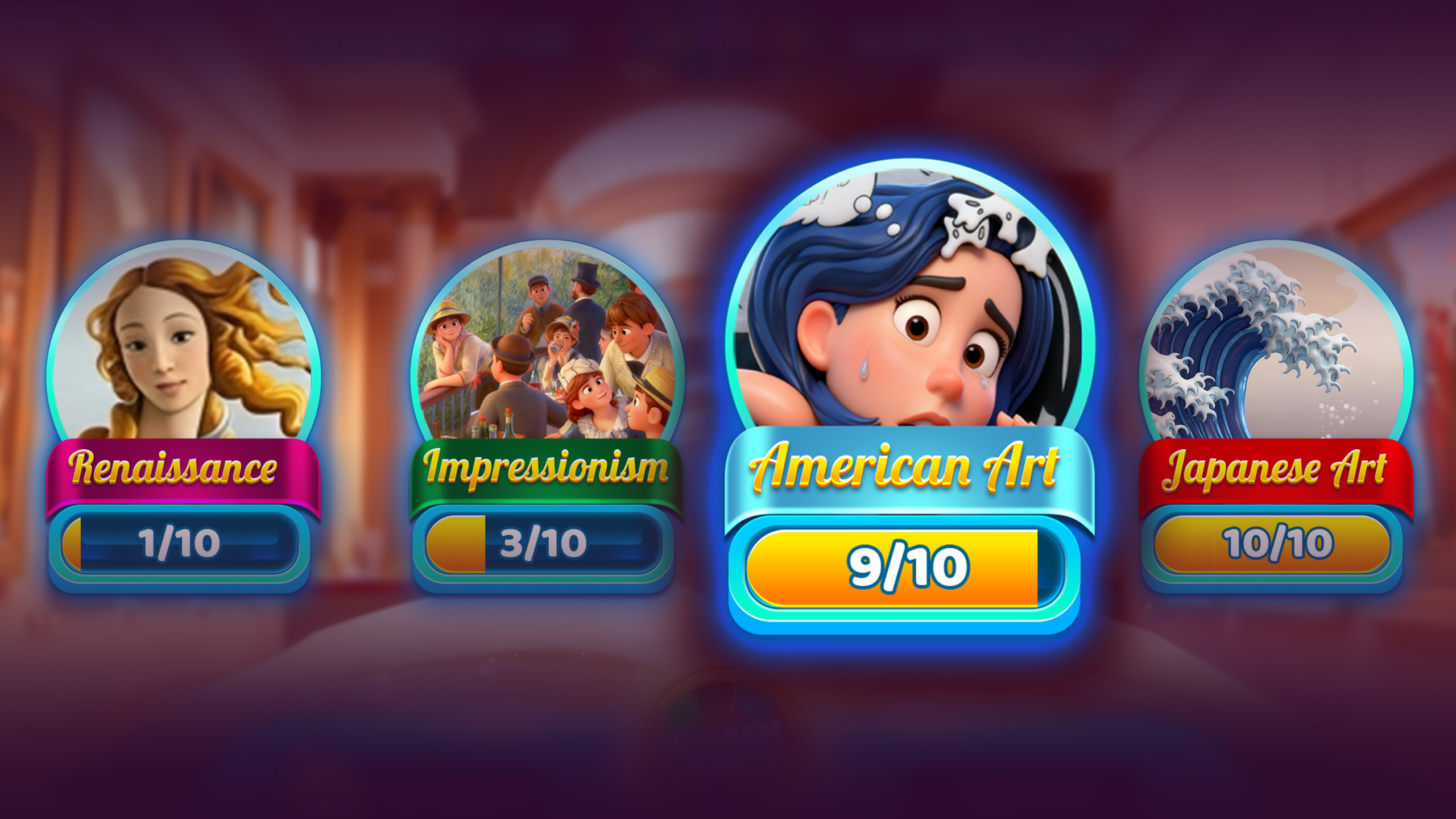
Choose a Set tile and check the progress shown on it, like 2/10, to find the ones closest to completion.
Step 3
View missing Cards
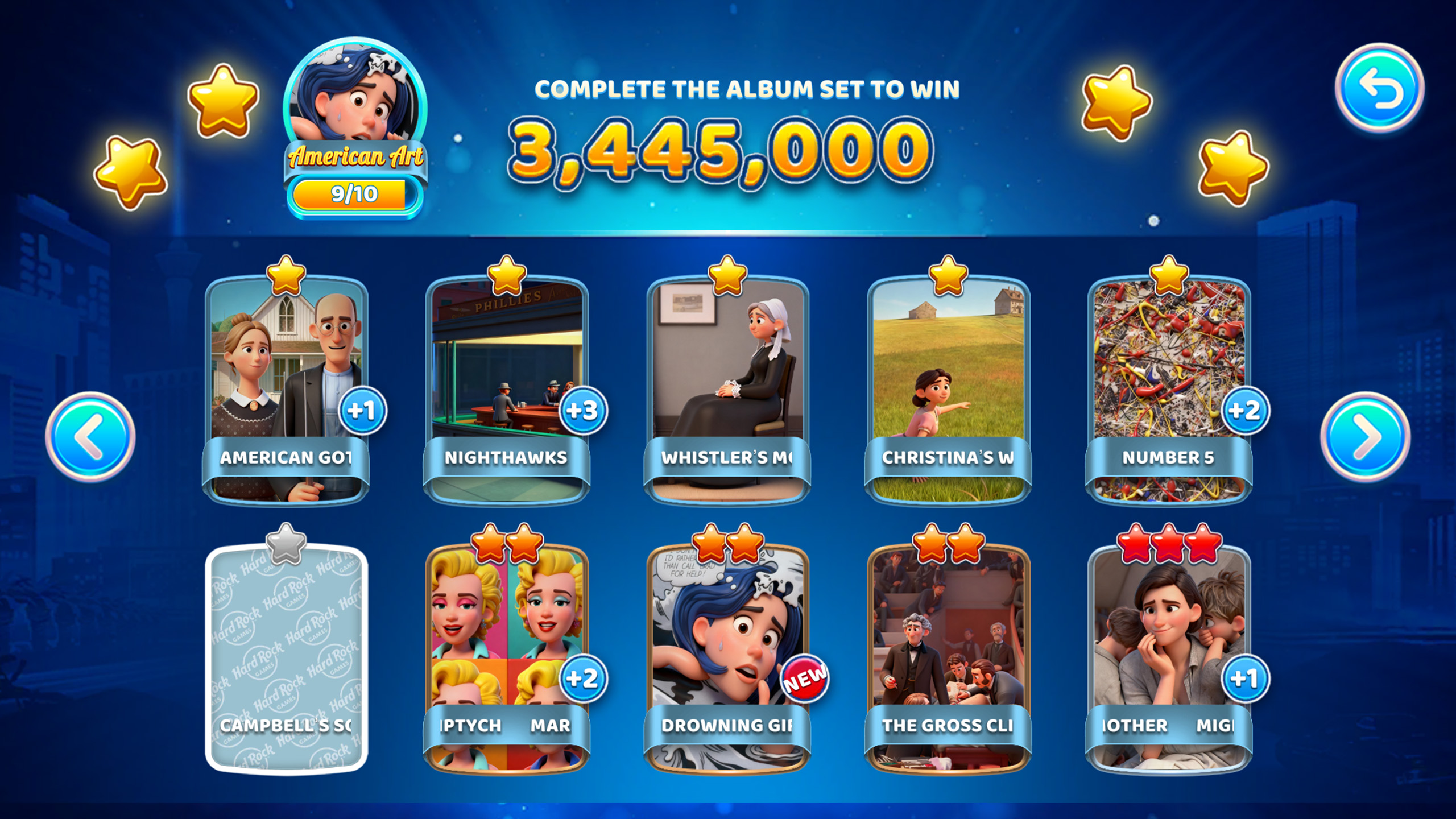
Open the Set to see your collected Cards and the missing ones shown as grey placeholders.
Step 4
Keep earning new Cards
Play slots and complete in game activities to earn more Cards. When you have Cards ready, tap Collect to add them into your Sets.
Step 5
Use duplicates to help
If you keep pulling duplicates, trade them for Redeem points. This helps you work toward spins on the Redeem Wheel for more chances at prizes like Card Packs.
Step 6
Claim the Set completion
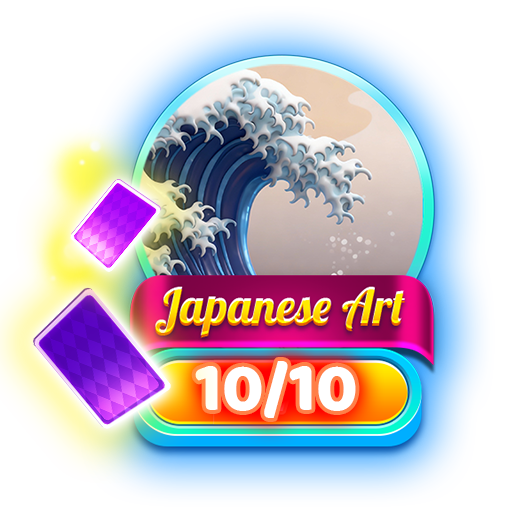
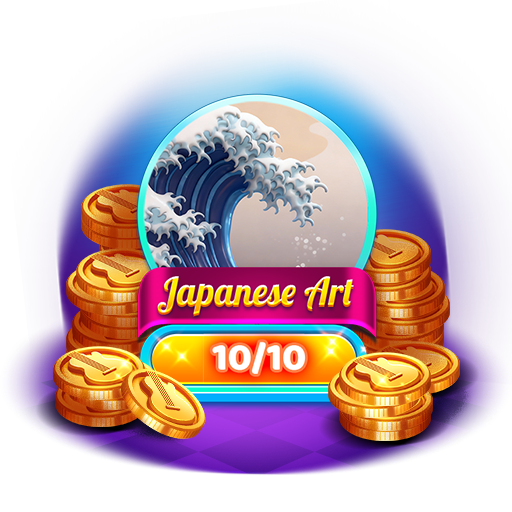
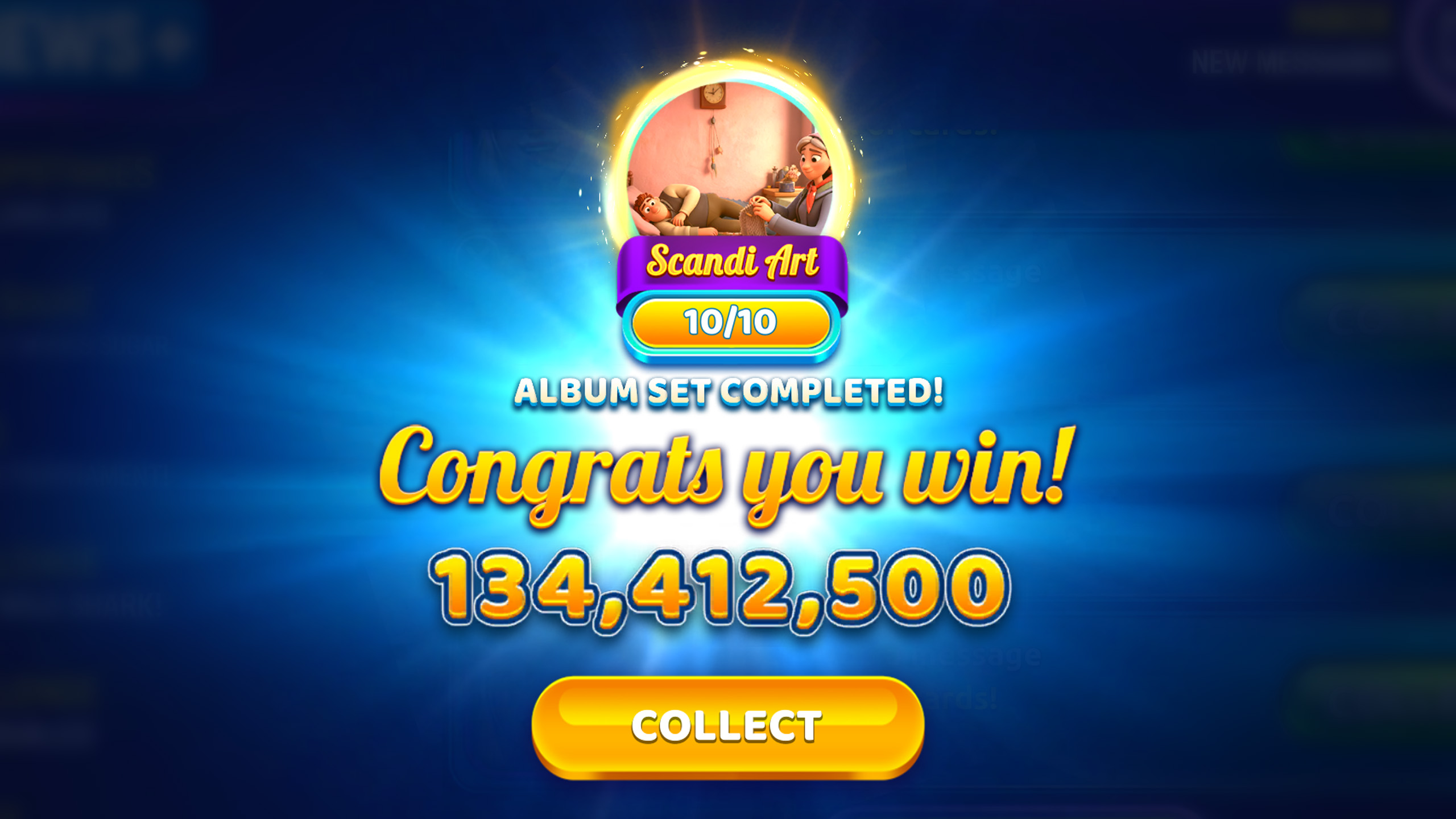
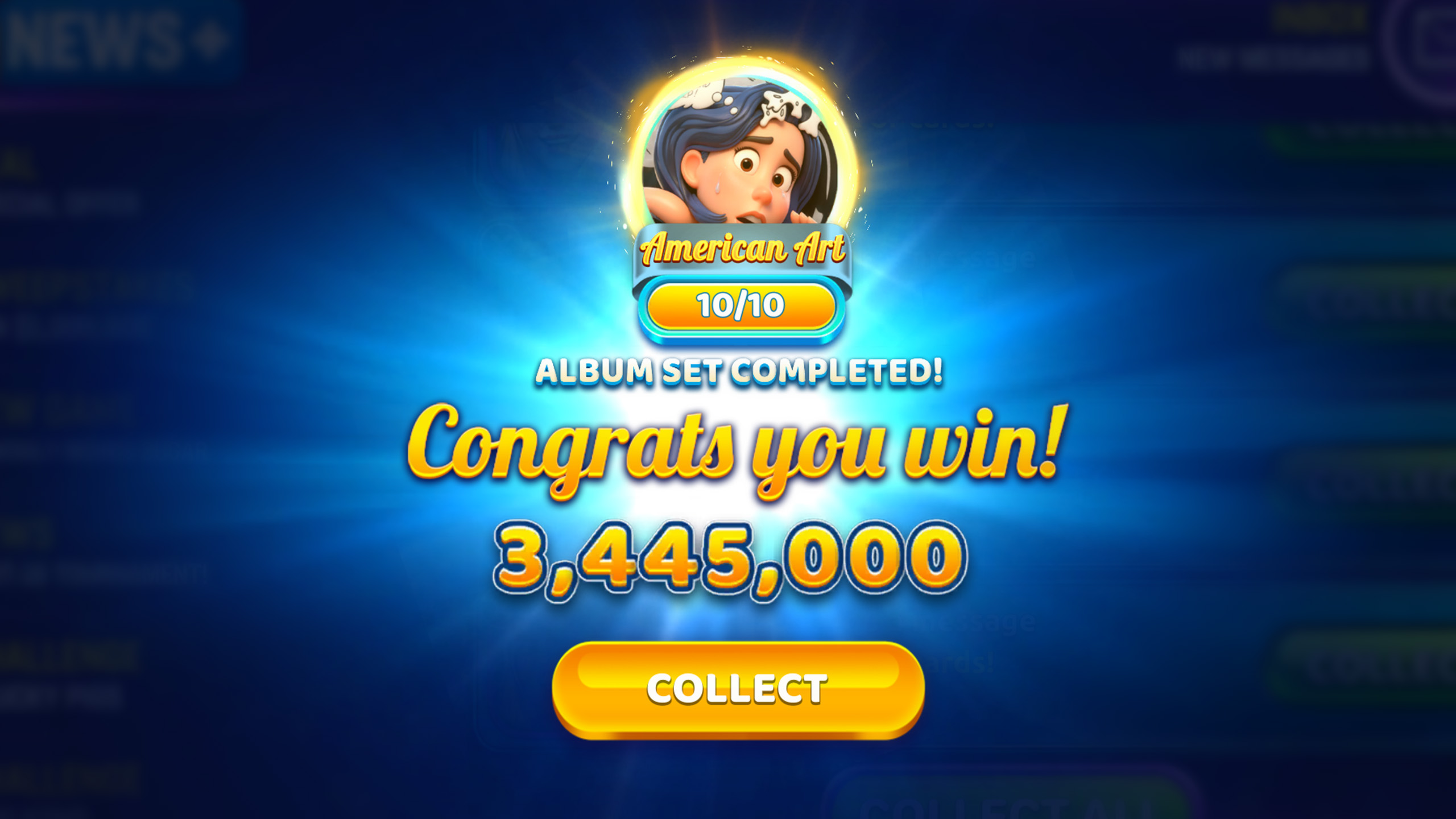
When the last missing Card lands, you will hit 10/10 and see a Set Completed moment. Collect your Set reward, then return to the Album to choose your next Set.
Complete the Album
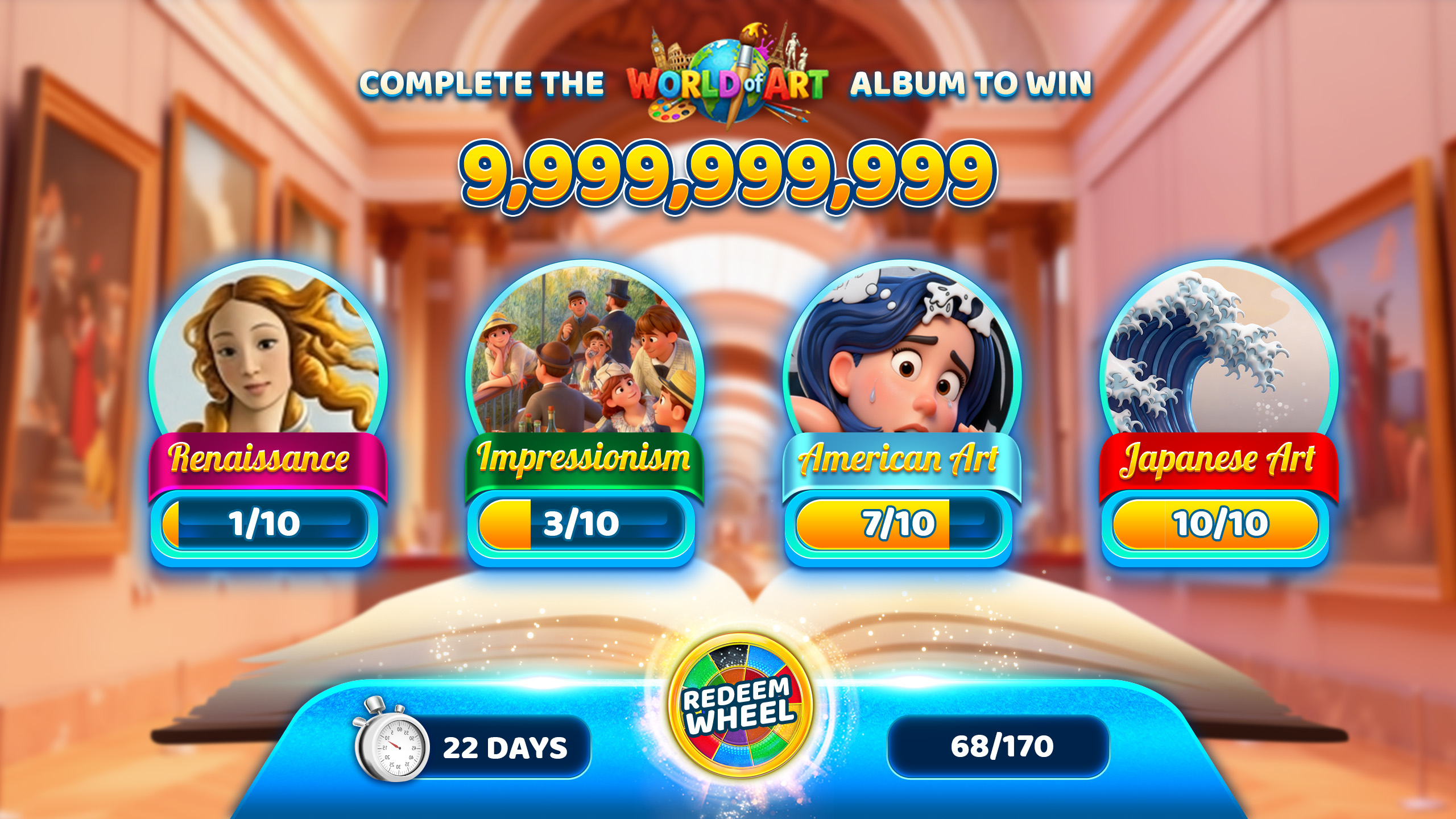
Albums are the big goal. Fill every Set before the timer ends to complete the Album and claim the top reward shown on the Album.
Step 1
Check Album progress
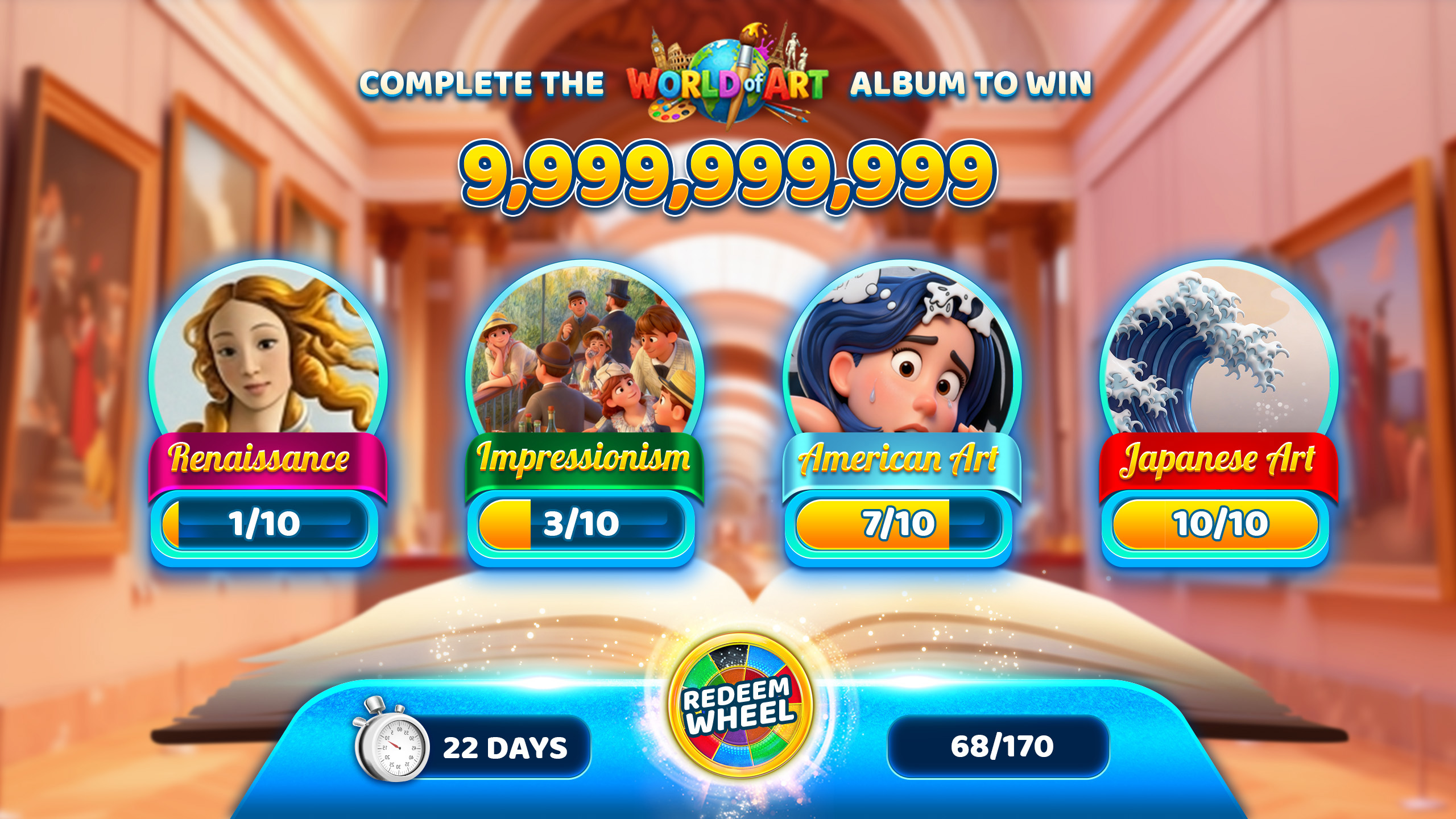
Open Collectibles, then enter your current Album to see total progress, like 24/150, plus the time remaining.
Step 2
Target your closest Sets
Scan Set tiles and focus on Sets that are almost finished, like 8/10 or 9/10, to push Album progress faster.
Step 3
Spot what you still need
Tap a Set to view the Card grid. Missing Cards show as grey placeholders so you can see what is left to collect.
Step 4
Collect Cards when ready
As you spin slots and complete in game activities, you earn Cards over time. When you see Ready to Collect, tap Collect to reveal and apply them.
Step 5
Finish Sets to move the Album
When a Set reaches 10/10, you will get a Set Completed moment and earn the Set reward, then return to the Album and keep filling Sets.
Step 6
Claim the reward
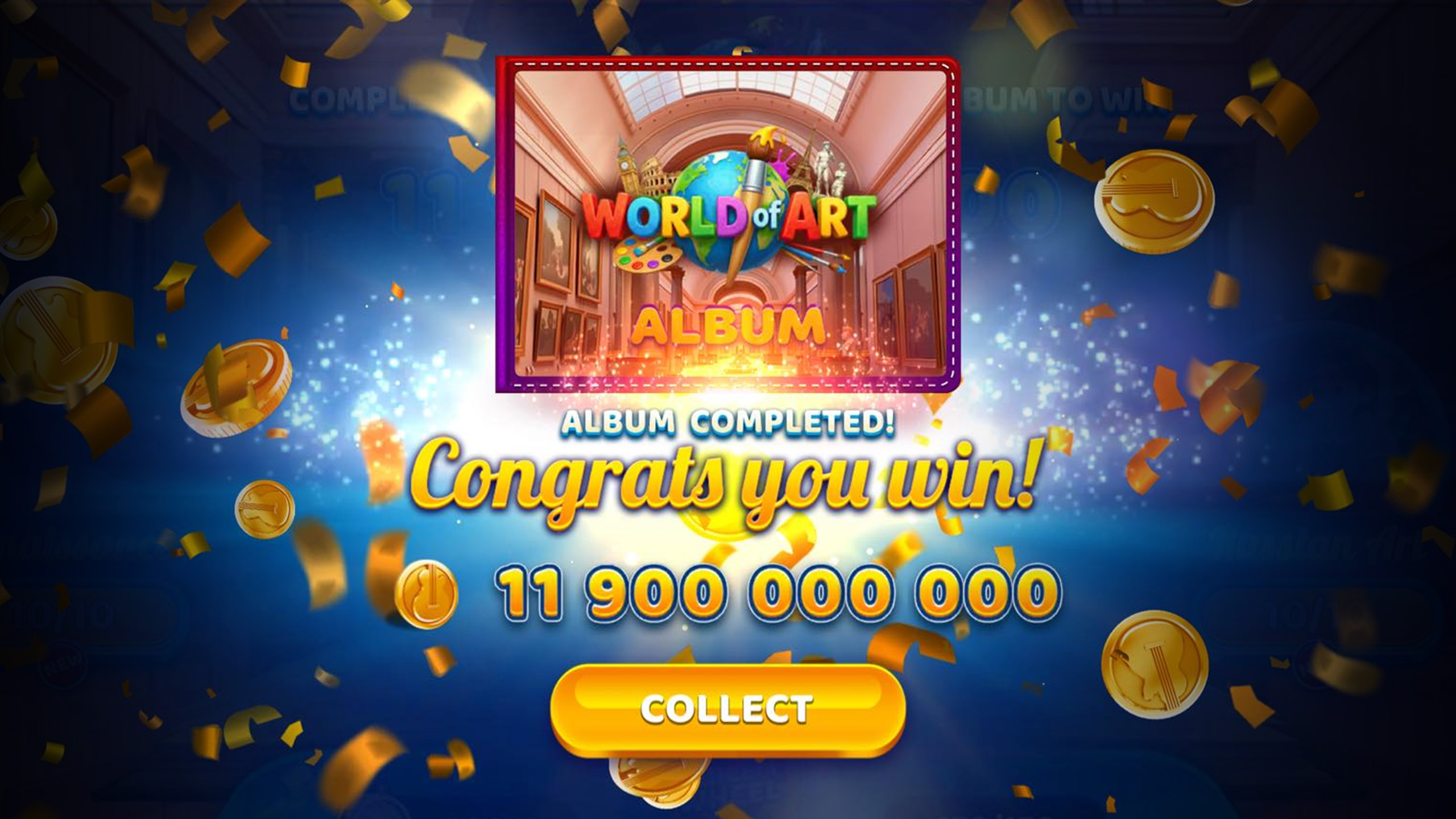
When Album progress hits 150/150, you will see an Album Completed congratulations screen and receive the grand prize for that Album. Prizes vary and are for in game use only.
Complete the Album
Got duplicates? Turn them into Redeem points and use the Redeem Wheel for a chance at in game prizes. You can spin when you have enough points and the Wheel is available.
Step 1
Find the Redeem Wheel
Open Collectibles, enter Cards, then tap Redeem Wheel from the Album screen.
Step 2
Check Wheel status
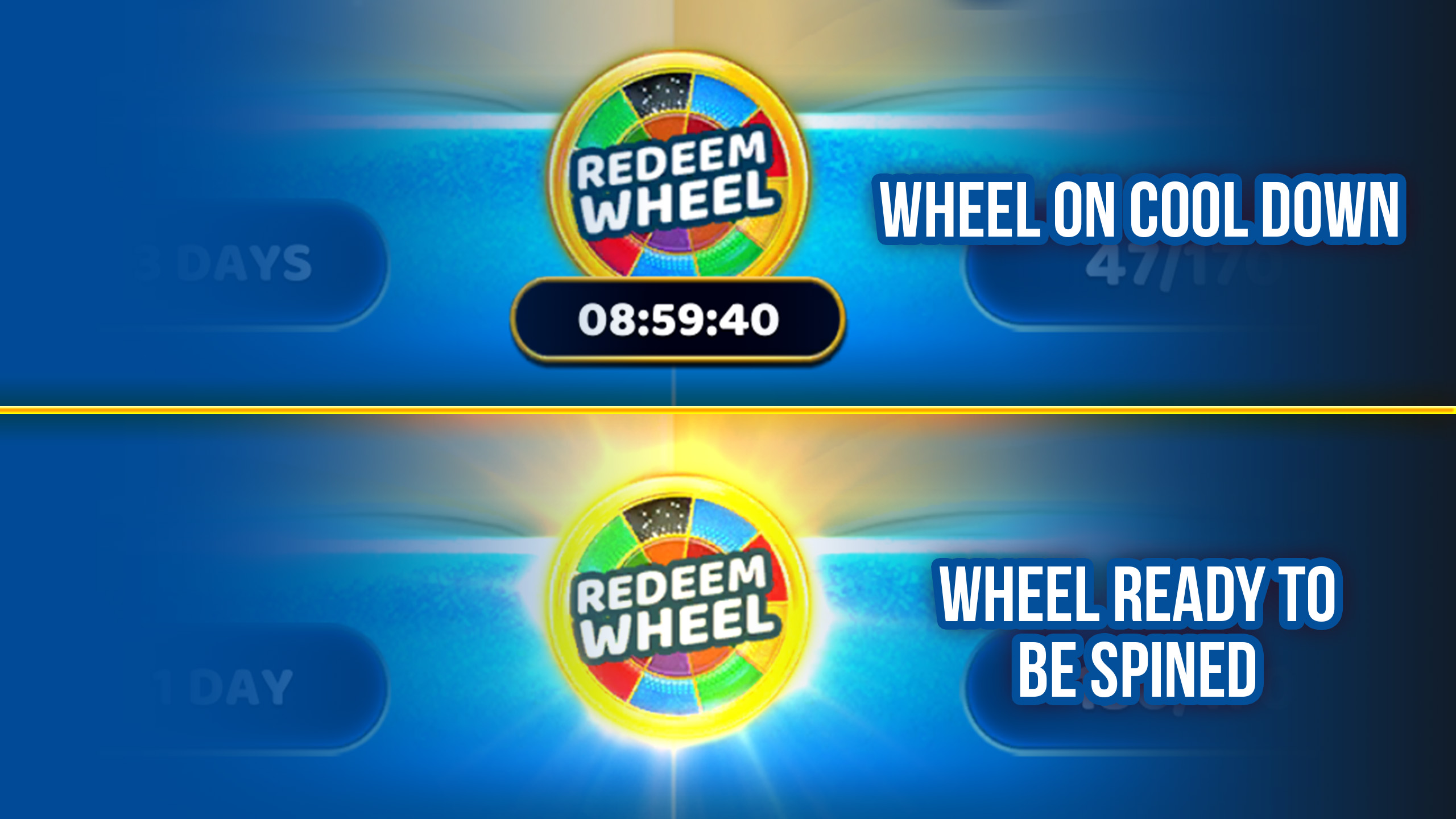
If the Wheel is on cooldown, a timer shows when your next spin will be ready.
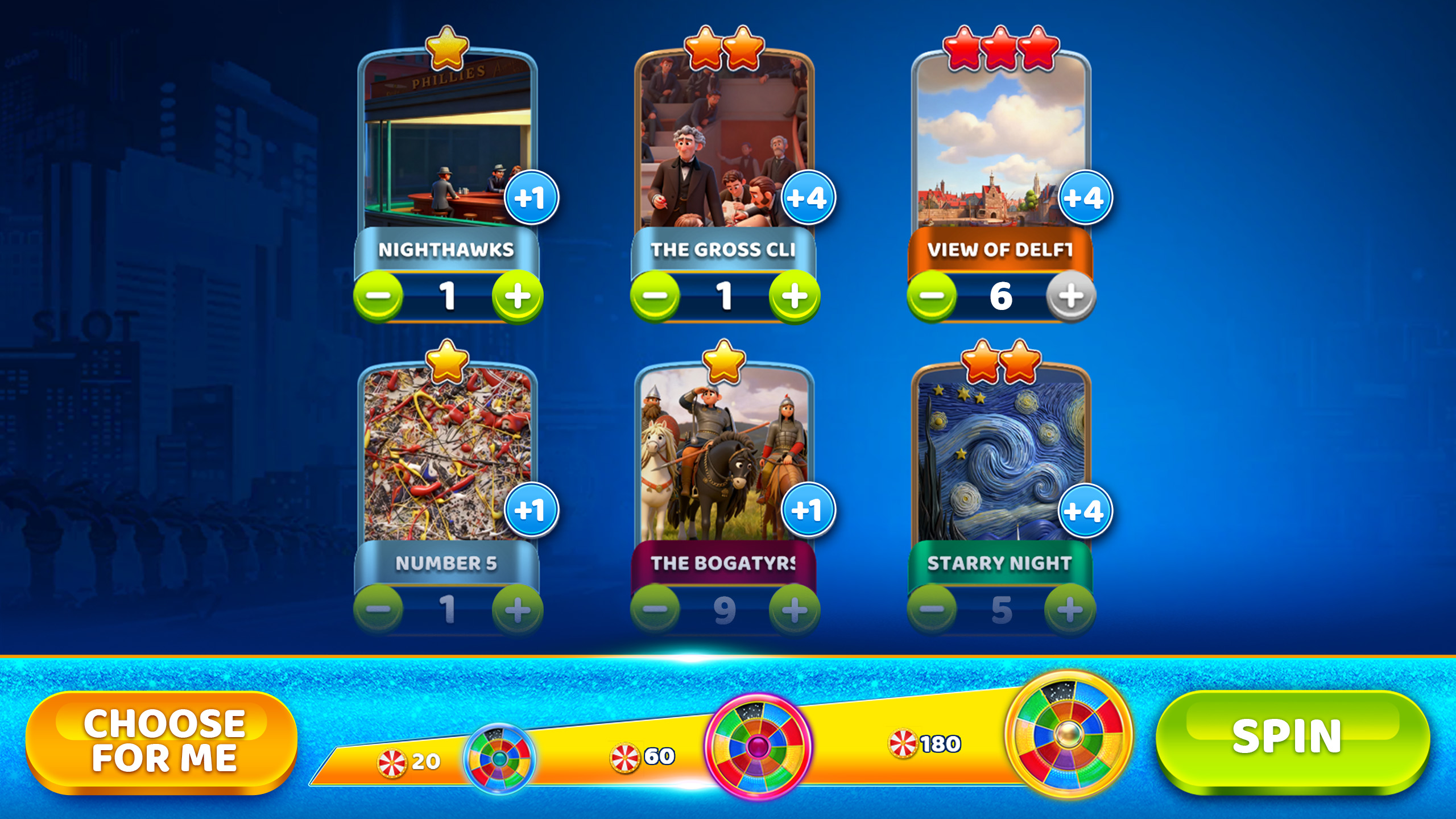
Step 3
Exchange duplicates
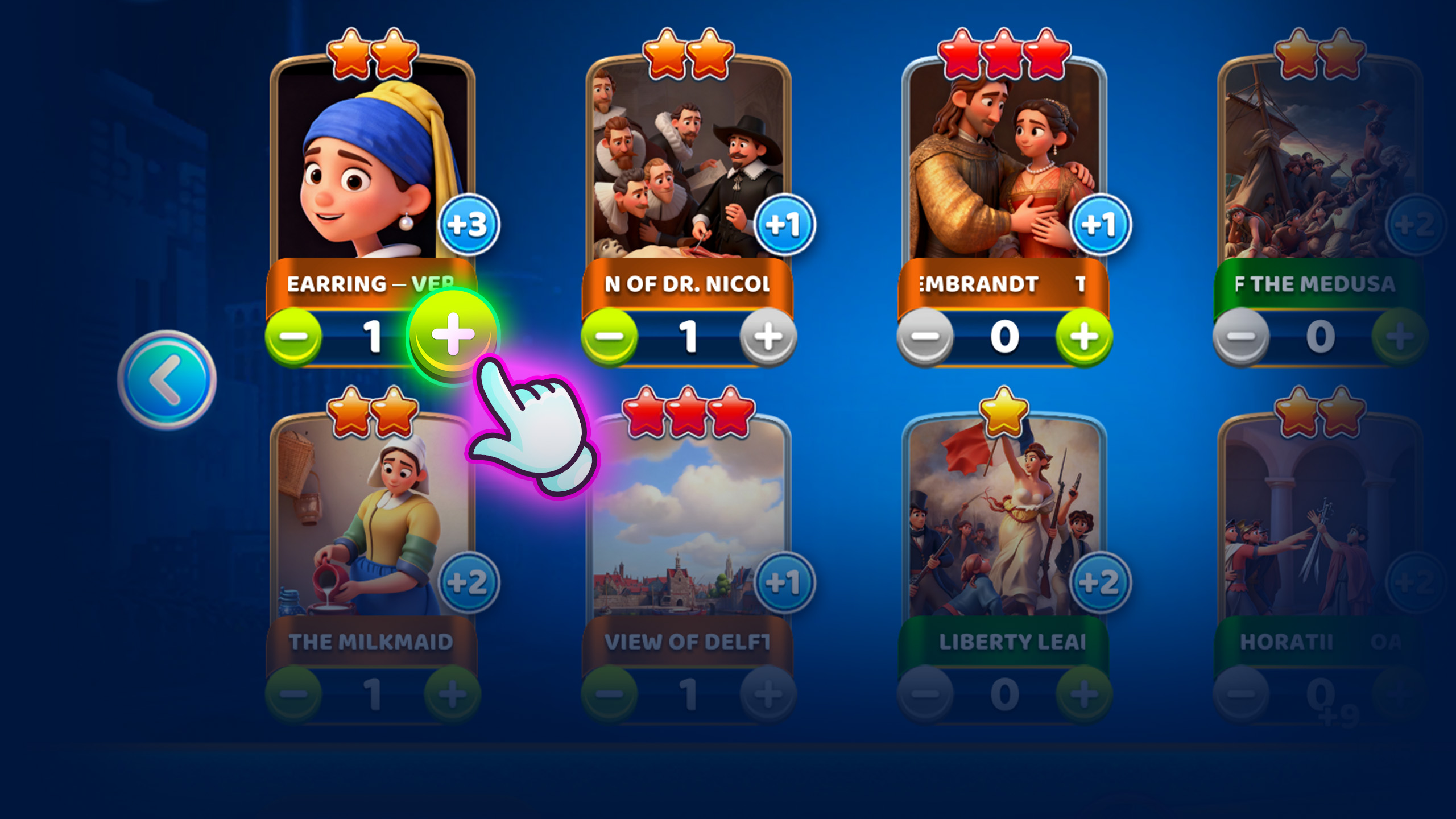
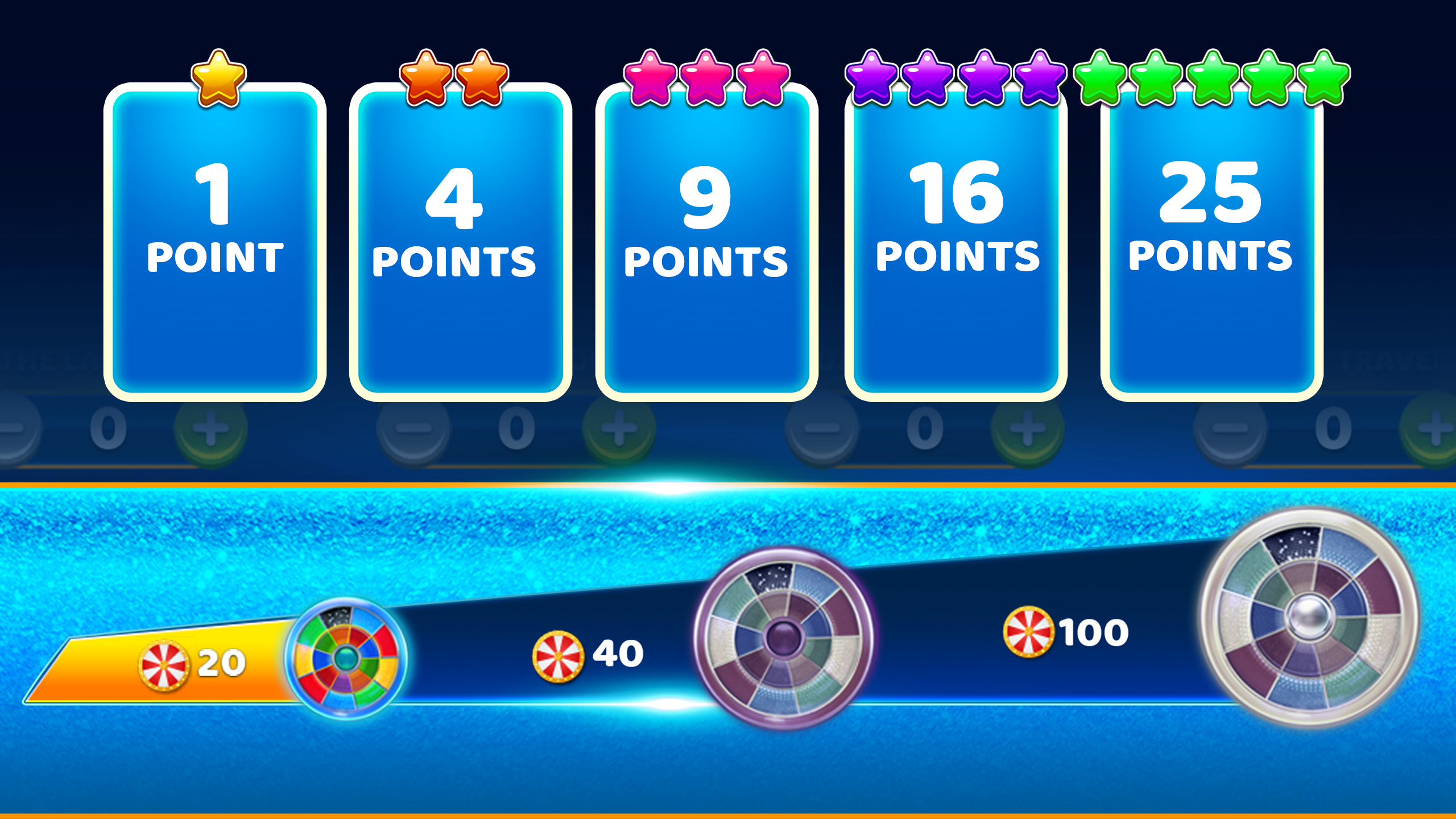
Select how many duplicates to trade. You can exchange 20, 40, or 100 Cards at a time to build Redeem points.
Step 4
Reach the spin minimum
You need at least 20 Redeem points to spin. Higher rarity duplicate Cards are worth more points.
Step 5
Spin when available
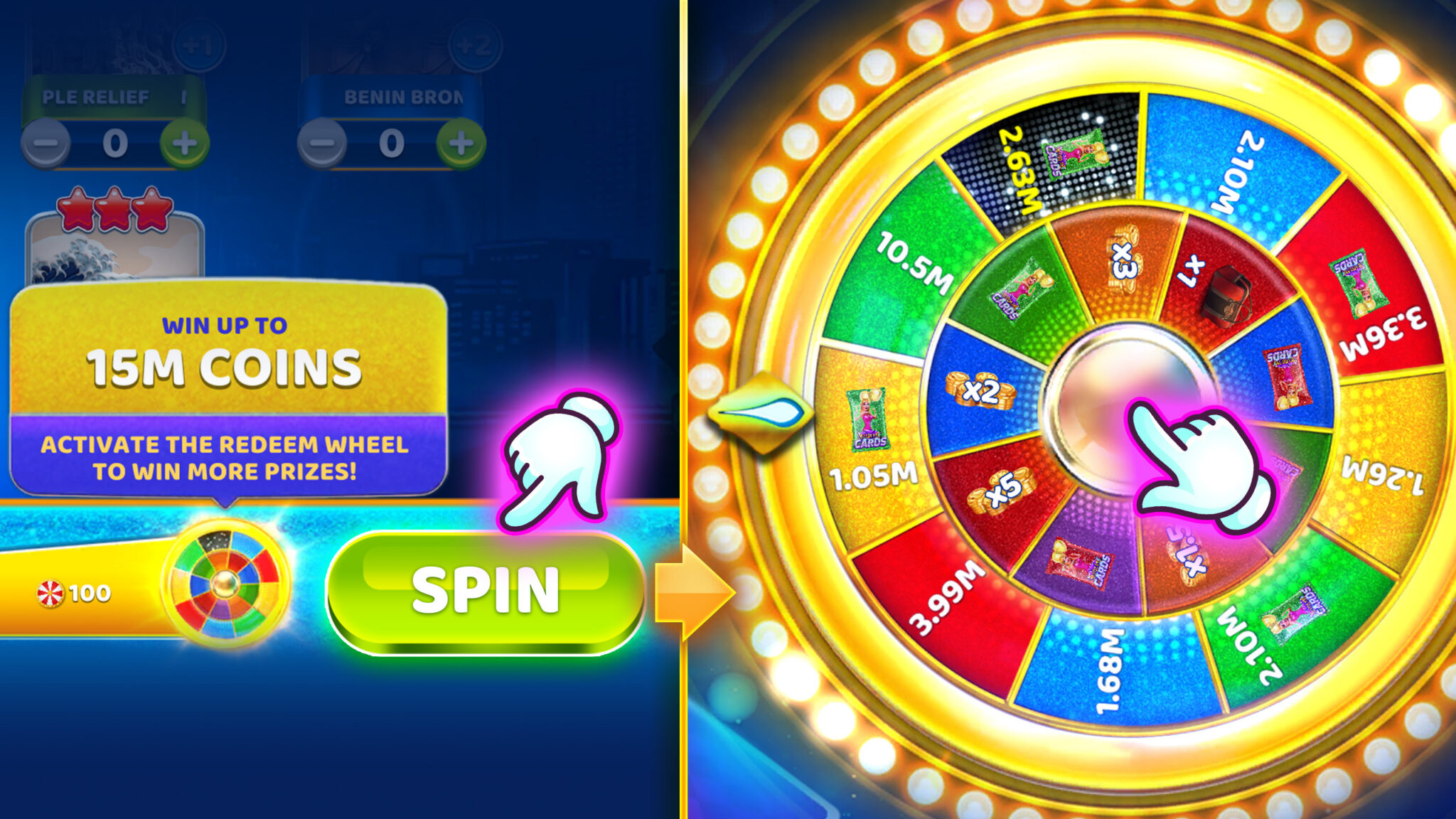
When you have enough points and the Wheel is available, the Spin action becomes active. Tap Spin to get your result.
Step 6
Claim your prize
After you spin, you will receive an in game prize and the Wheel will go on cooldown again. Prizes vary and are for in game use only.
Level Up Tips
Chase The Gaps
Prioritize Sets with only a few missing Cards
Play The Cycle
Hit daily activities to keep Cards coming steadily
Respect The Timer
Check Album time left so you don’t miss out
Make Duplicates Work
Save extras, then trade them for Redeem points
Find It In Our Social Casinos
Home
Collectibles
Albums
Common Questions
Quick answers to help you collect faster and spin smarter
What are Collectibles?
Collectibles is the in-game Cards feature in Hard Rock Jackpot Planet and Hard Rock Neverland Casino. As you play, you earn Cards that fill themed Sets inside a limited-time Album. Complete Sets, build Album progress, and unlock in-game prizes along the way.
How do I earn Cards?
You can earn Cards by spinning slots and through in-game activities (like daily missions, milestones, leveling up, and other events). When Cards are ready, head to Collectibles to collect them and add them to your Album.
What’s the difference between an Album and a Set?
Think of an Album as the full collection, and Sets as the themed groups inside it. Completing a Set helps push your overall Album progress forward. Finish enough Sets and you’ll be closing in on the Album completion prize.
What happens if I get duplicate Cards?
Duplicates aren’t wasted. Trade duplicate Cards for Redeem points, then use those points to spin the Redeem Wheel when it’s available for a chance at in-game prizes. (Minimum points may be required to spin.)
Why is the Redeem Wheel unavailable?
Most of the time it’s one of two things:
The Wheel is on cooldown (it refreshes on a timer after you spin).
You don’t have enough Redeem points yet. Try exchanging more duplicates, and check the timer if you’ve already spun.
Where do I see what I’m missing and how long do I have?
Open any Set to see which Cards you have and which you’re still missing (missing Cards show as placeholders). You can also check your Album’s timer to see how long you have left to finish before it ends.
What happens when the Album timer ends?
Albums are limited-time. When the timer ends, the Album may change. Check the Album timer so you know how long you have to finish and claim progress-based prizes.
Do Collectibles give real-world rewards?
No. Collectibles awards are in-game only. Prizes can include items like Free Coins, WDollars, WCASES, and Card Packs. Prizes vary and are for in-game use only.
Why didn’t my Card Pack complete a Set?
Card Packs can include duplicates or Cards for other Sets. Open your Album to see where the Cards landed, then trade any duplicates for Redeem points.
Can I still view past Albums?
Yes. Open Collectibles, then use the Albums option (in the Cards menu) to switch between current and previous Albums and review your progress.
Why am I not earning Cards on some slots?
Some games may not support Cards. If you don’t see progress, switch to a different slot and check your Album again.